


⚡ Smart Display USB-C Docking Station – One Cable, A Complete Desktop Setup
⚡ Smart Display USB-C Docking Station – One Cable, A Complete Desktop Setup

BUNDLE & SAVE
Couldn't load pickup availability

⚡ Smart Display USB-C Docking Station – One Cable, A Complete Desktop Setup
Turn Your USB-C Laptop Into The Desk Setup You Actually Want To Work From.
Bring displays, storage cards, USB accessories, wired networking and compatible power delivery into one central desktop hub—then reconnect your workflow through one compatible USB-C host connection.
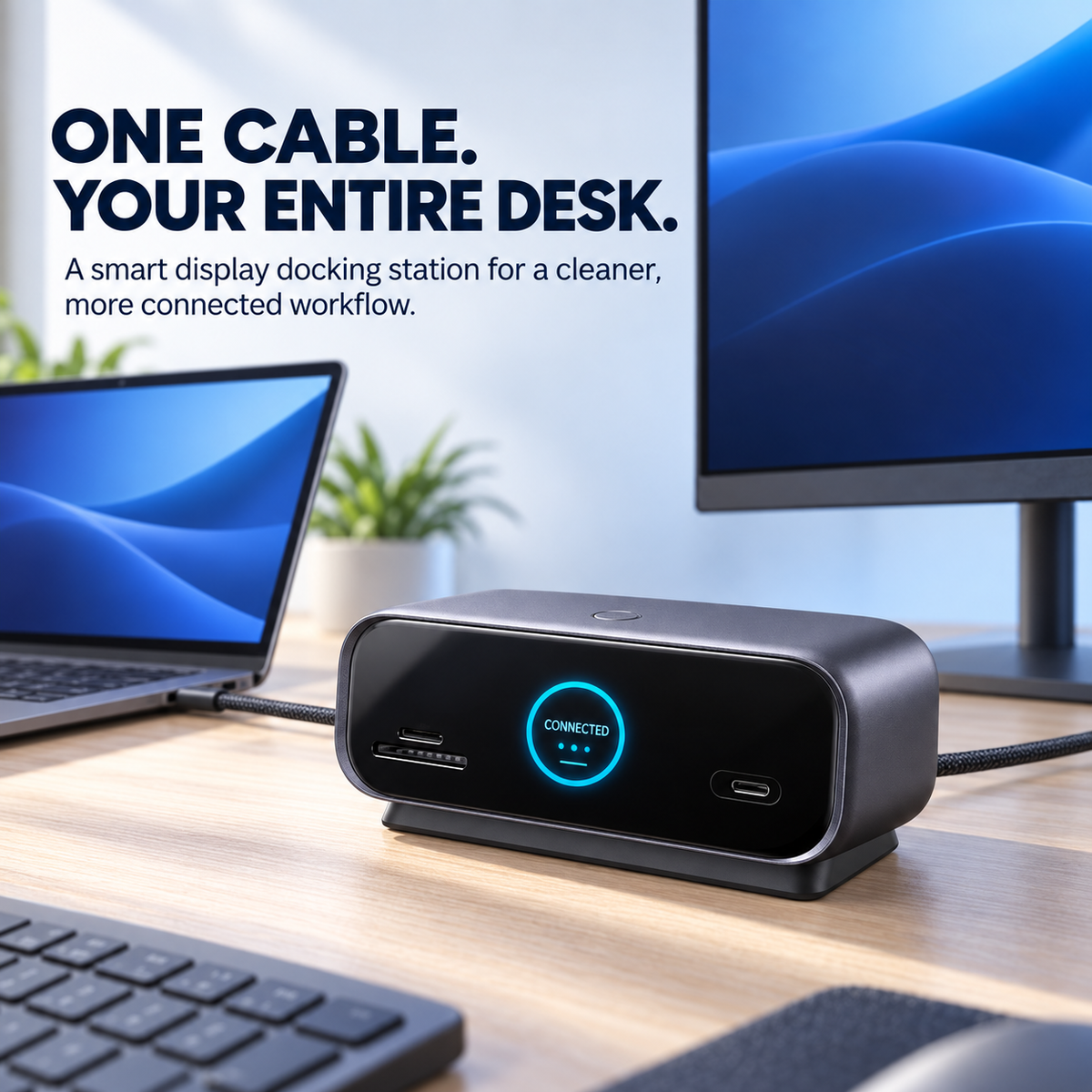
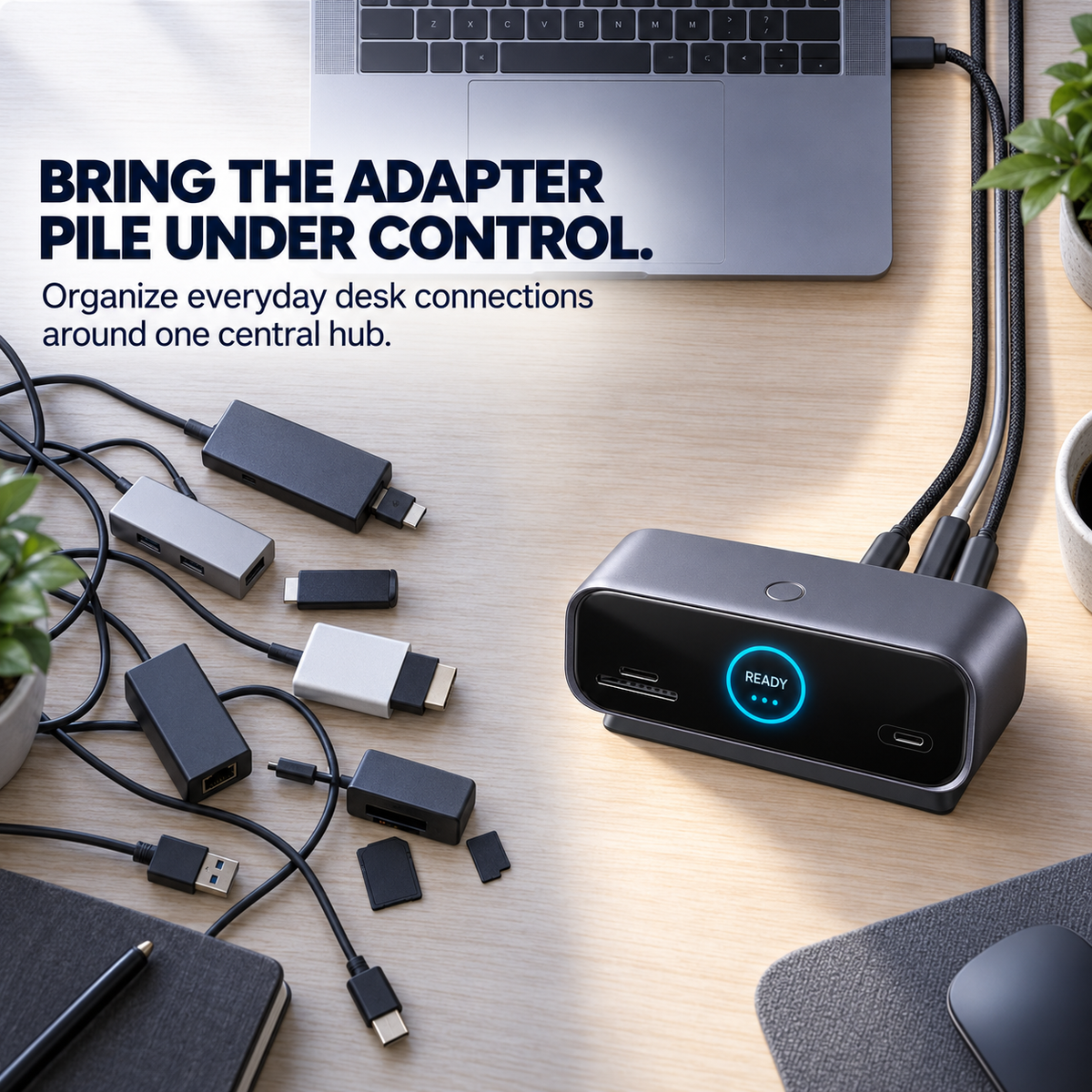
Your Laptop May Be Powerful. Its Port Selection Probably Isn’t.
A monitor adapter here. A card reader there. Another dongle for Ethernet. Another connection for storage. The problem isn’t one accessory—it’s what happens after all of them end up on the same desk.
Bring everyday desktop connections together instead of reaching for another adapter each time.
Keep frequent-access connections at the front while permanent desk cables stay toward the rear.
Build a workstation that is easier to reconnect when you return with your laptop.
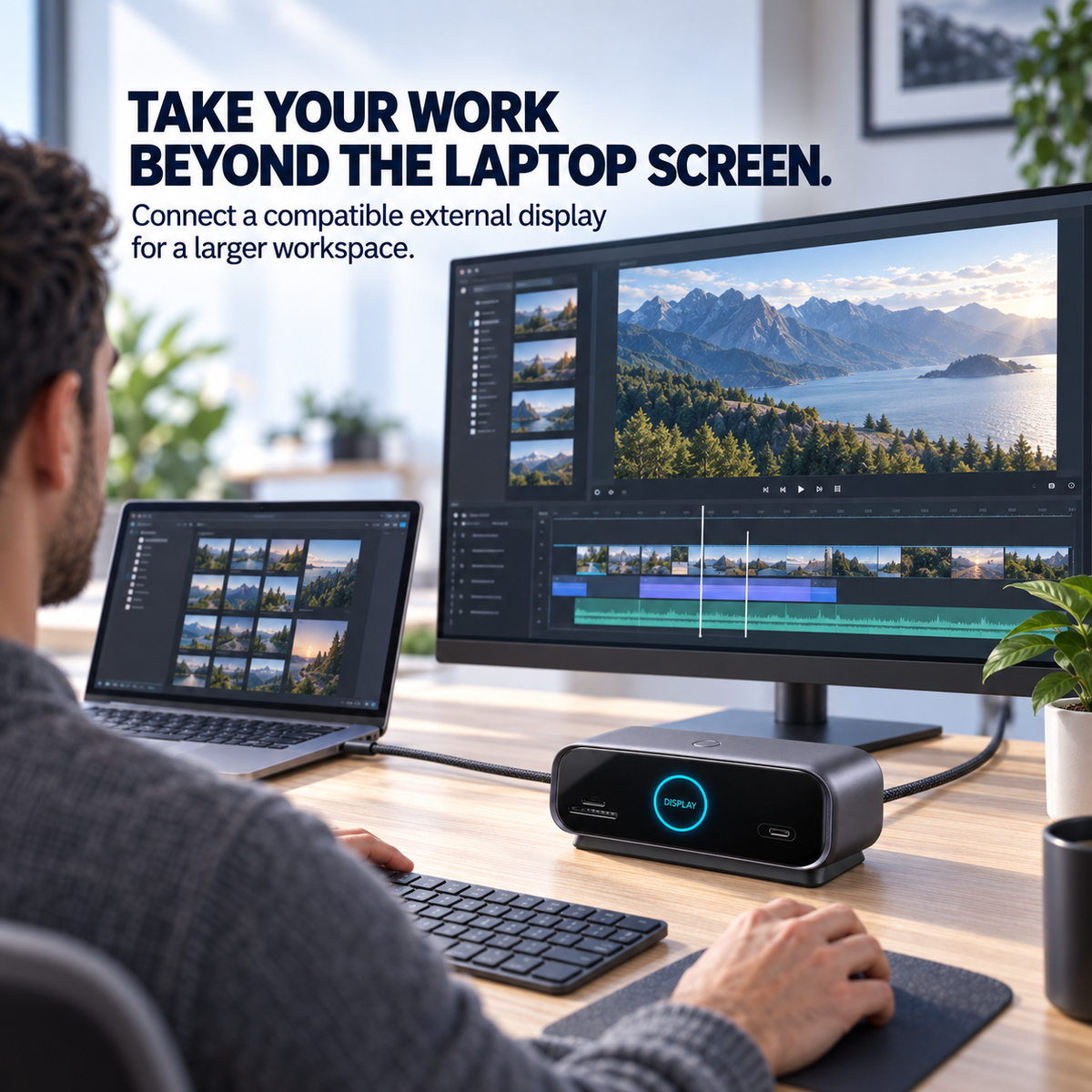
Give Your Timeline, Documents And Tools More Room To Breathe.
HDMI and DisplayPort connections let compatible computers add external display space for editing, spreadsheets, presentations and everyday multitasking.
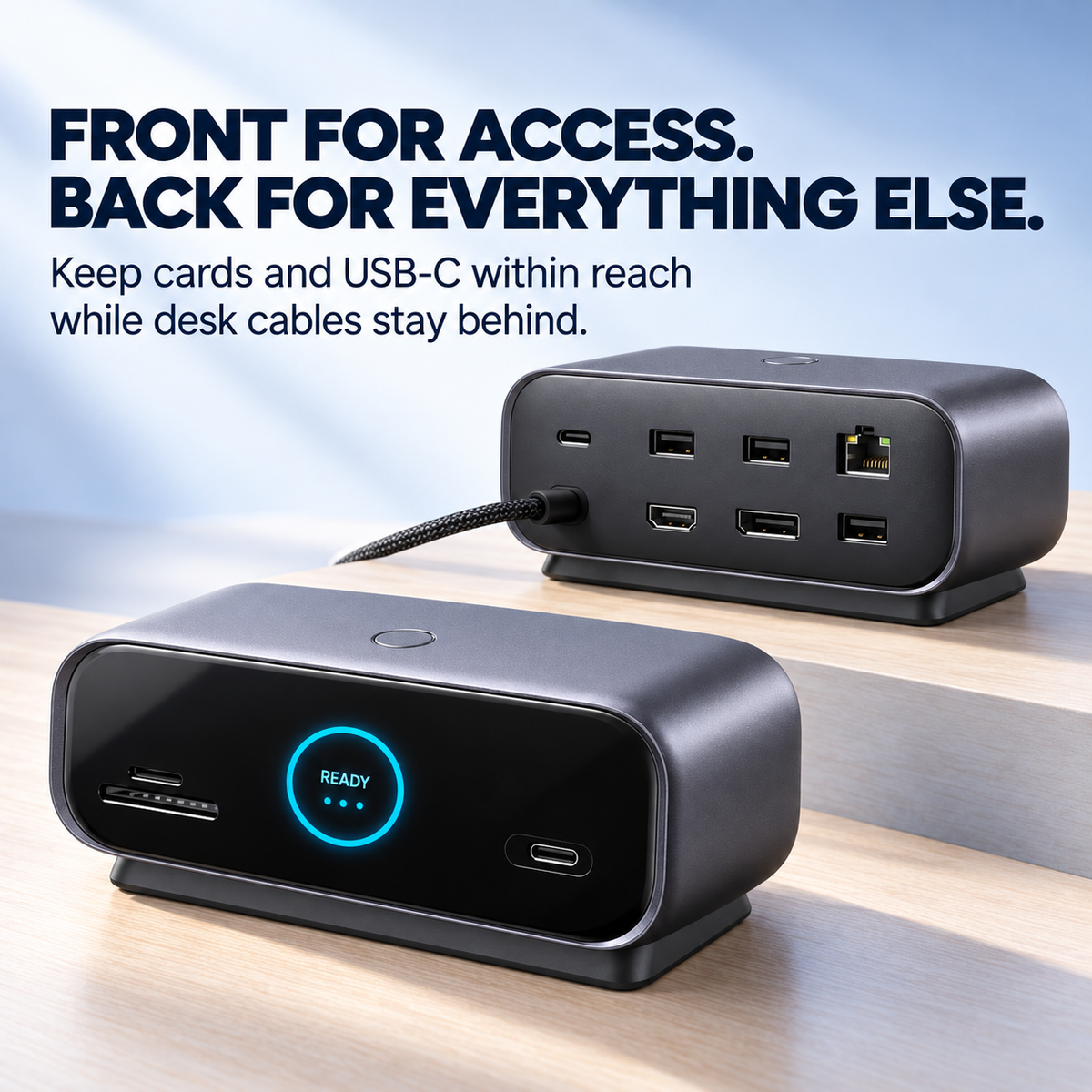
Keep The Connections You Touch Close. Move The Cable Clutter Away.
Frequently accessed card and USB-C connections stay on the front, while display, networking, USB and power connections can remain organized toward the rear of the desk.
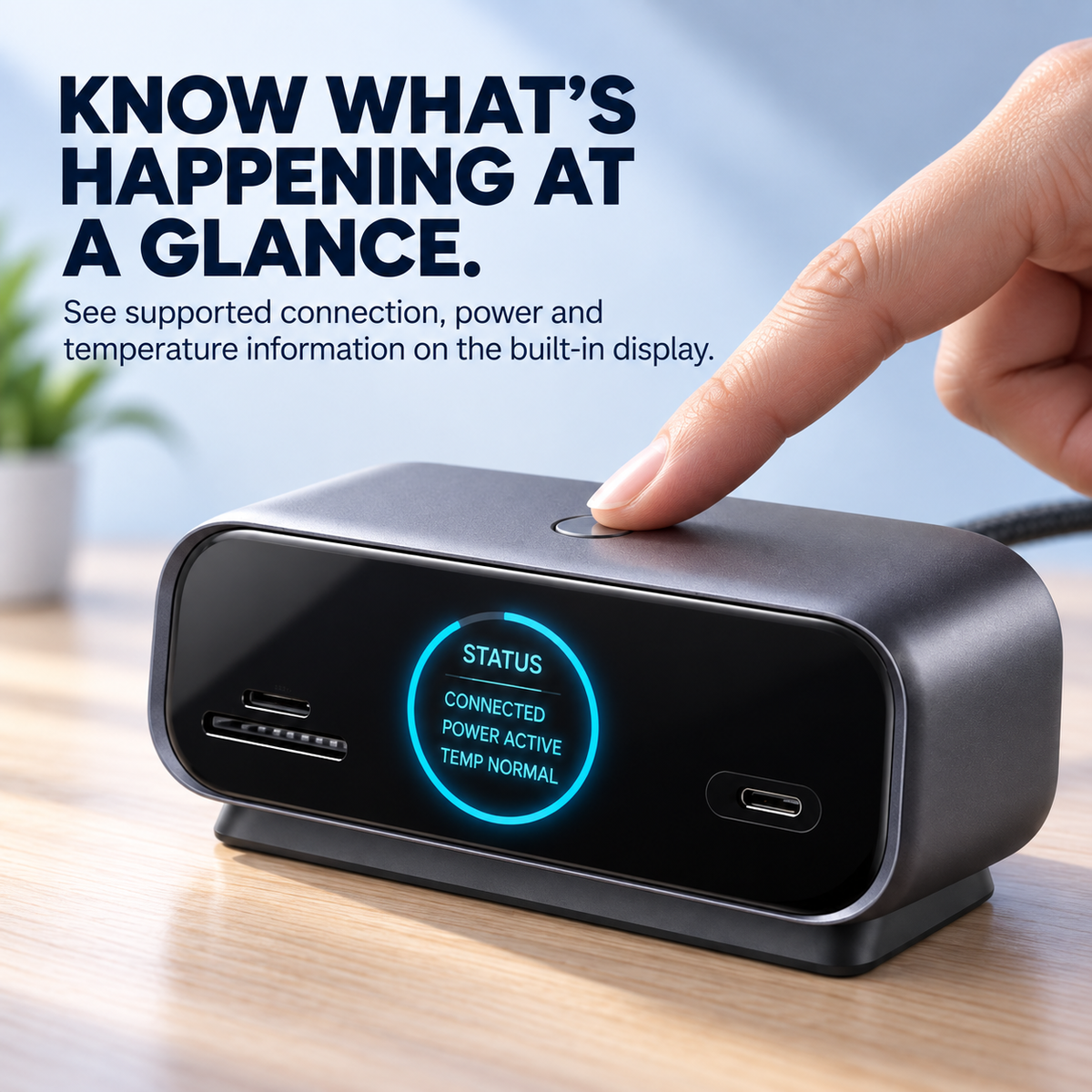
See What The Dock Is Doing Without Opening Another App.
The built-in color display provides supported connection, power and operating information at a glance. Use the top control button to move through available display pages.
See supported device and connection information directly on the dock.
View supported input and output power information when available.
Check supported temperature and operating information without extra software.
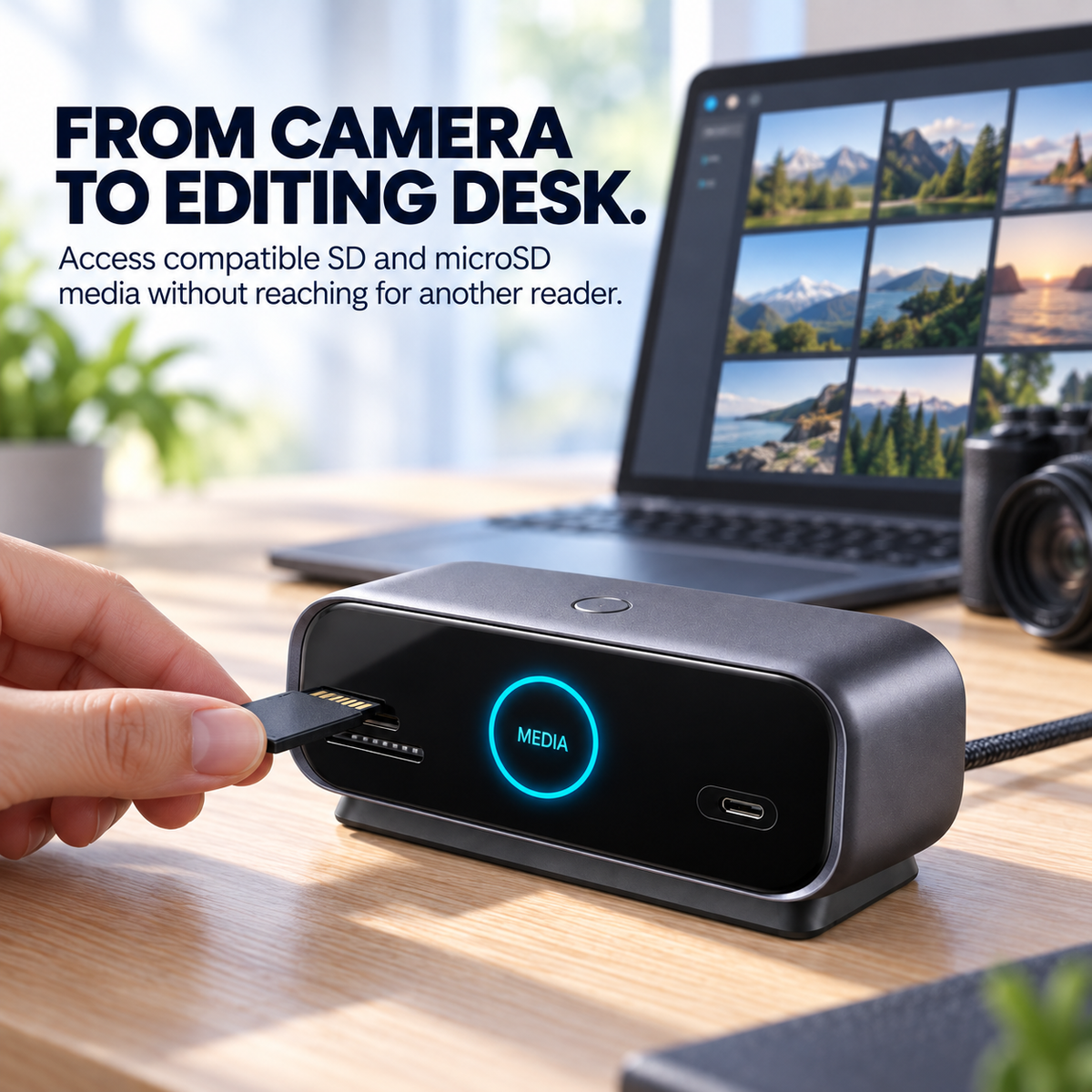
Move Media Into Your Workflow Without Reaching For Another Reader.
Integrated SD and microSD slots give photographers, video creators and drone users a convenient place to access compatible media while their larger desktop setup stays connected.
A Better Desk Is Usually About Fewer Little Frictions.
Connect compatible displays, storage media, network and USB accessories around one desktop device.
See supported connection and operating information without relying on a simple indicator light.
Use Gigabit Ethernet with a compatible network for a stable wired desktop connection.
Keep SD and microSD workflows available without adding a separate reader.
HDMI and DisplayPort support compatible external display workflows.
Connect compatible power when the dock or supported host-device charging requires it.
| Product Type | Smart Display USB-C Docking Station |
|---|---|
| Host Connection | USB-C |
| Display Connections | HDMI + DisplayPort |
| Memory Card Support | SD + microSD / TF |
| USB Connectivity | USB-C Data + USB-A Data Ports |
| Network | Gigabit Ethernet |
| Power Connection | USB-C Power Input |
| Integrated Display | Supported connection, power and operating information |
| Control | Top-Mounted Display Control Button |
| Great For | Home Office • Content Creation • Multi-Screen Work • Hybrid Work |
Check Your Laptop Before You Build The Desk Around It.
Does it work with every USB-C laptop?
Can I connect external monitors?
What does the built-in display show?
Does it include SD and microSD access?
Can it charge my laptop?
Spend Less Time Rebuilding Your Desk Every Time You Open The Laptop.
Bring the connections your workflow depends on into one organized docking station—then make returning to your desktop setup feel like one simple connection instead of another cable project.
UPGRADE YOUR DESKTOP SETUP ↑
