

📚 Smart AI Bookmark & Digital Highlighter – Scan, Save & Organize Every Great Idea
📚 Smart AI Bookmark & Digital Highlighter – Scan, Save & Organize Every Great Idea

BUNDLE & SAVE
Couldn't load pickup availability
-
Ordered
- - -
Order Ready
- - -
Delivered

📚 Smart AI Bookmark & Digital Highlighter – Scan, Save & Organize Every Great Idea
Capture the Line. Save the Thought. Keep Reading.
Scan meaningful passages, record the idea they spark and bring both into a searchable reading library — without constantly leaving the book to type on your phone.
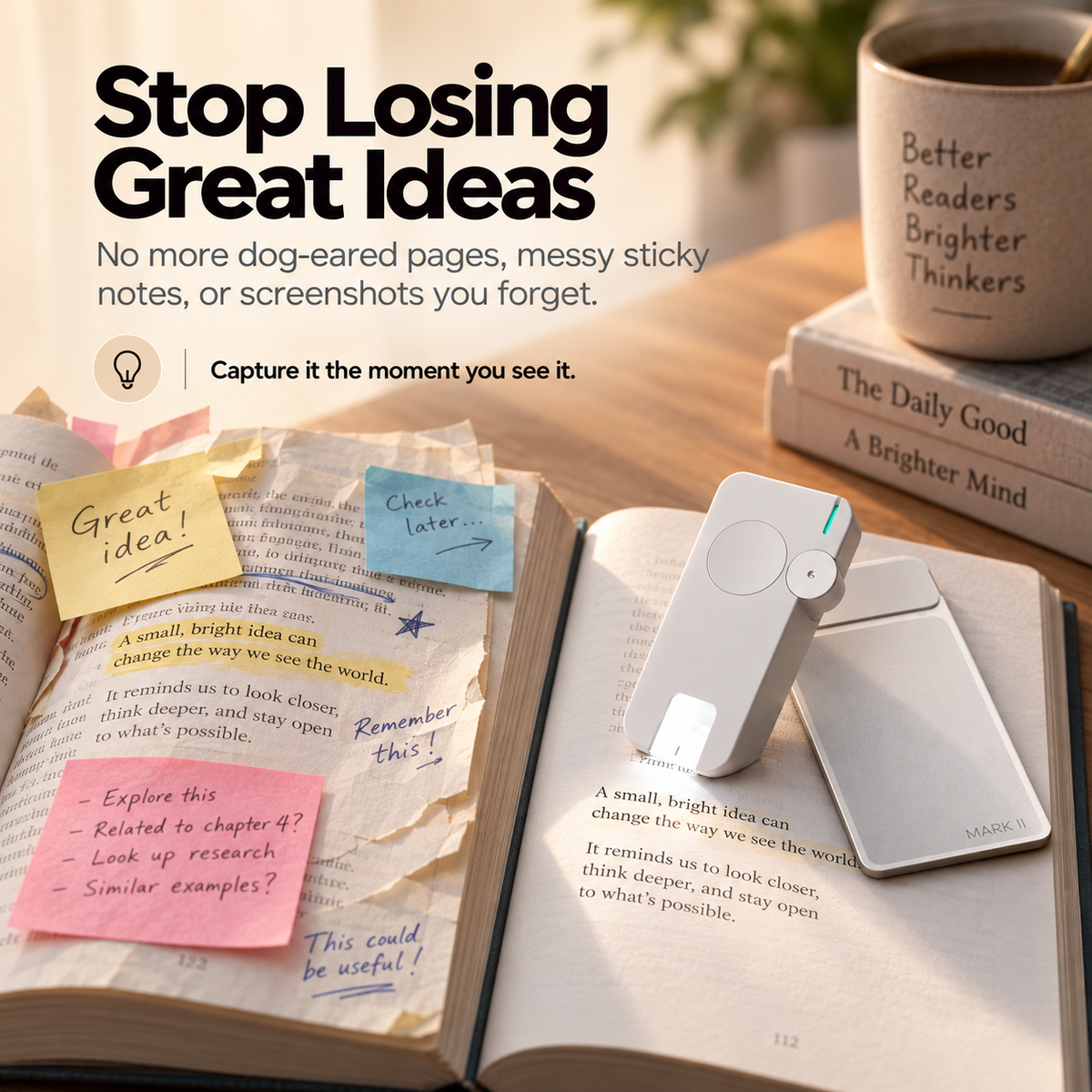
You Remember the Book. You Forget the Sentence You Wanted to Keep.
Paper highlights stay inside one book. Sticky notes disappear. Screenshots get buried. Manual typing interrupts the exact moment when the idea still feels fresh.
Quotes end up split between margins, notebooks, photos and multiple apps.
Unlocking a phone and typing a passage can pull attention away from the chapter.
Sometimes the reaction to the sentence matters just as much as the sentence itself.
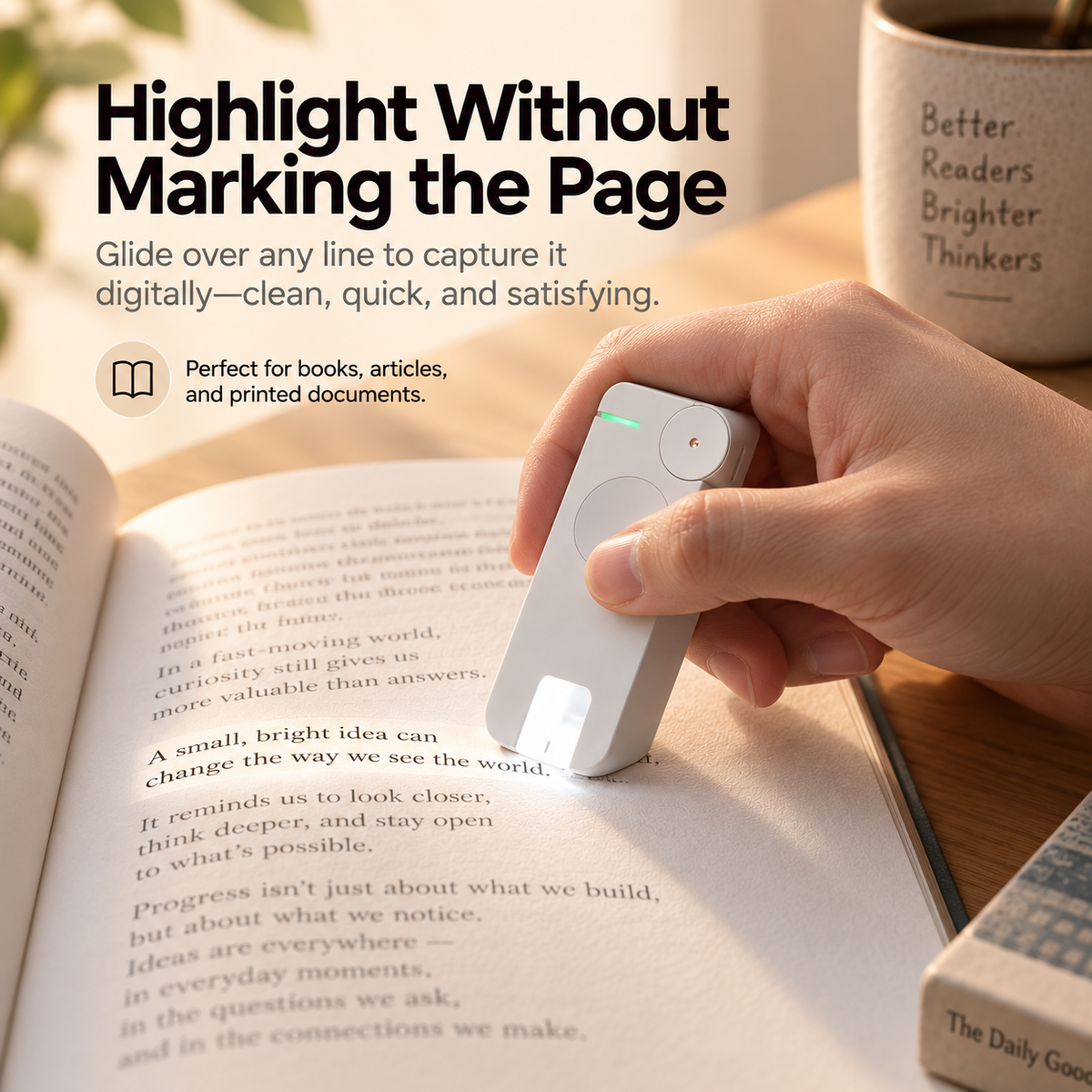
Glide Across the Line and Capture It Digitally.
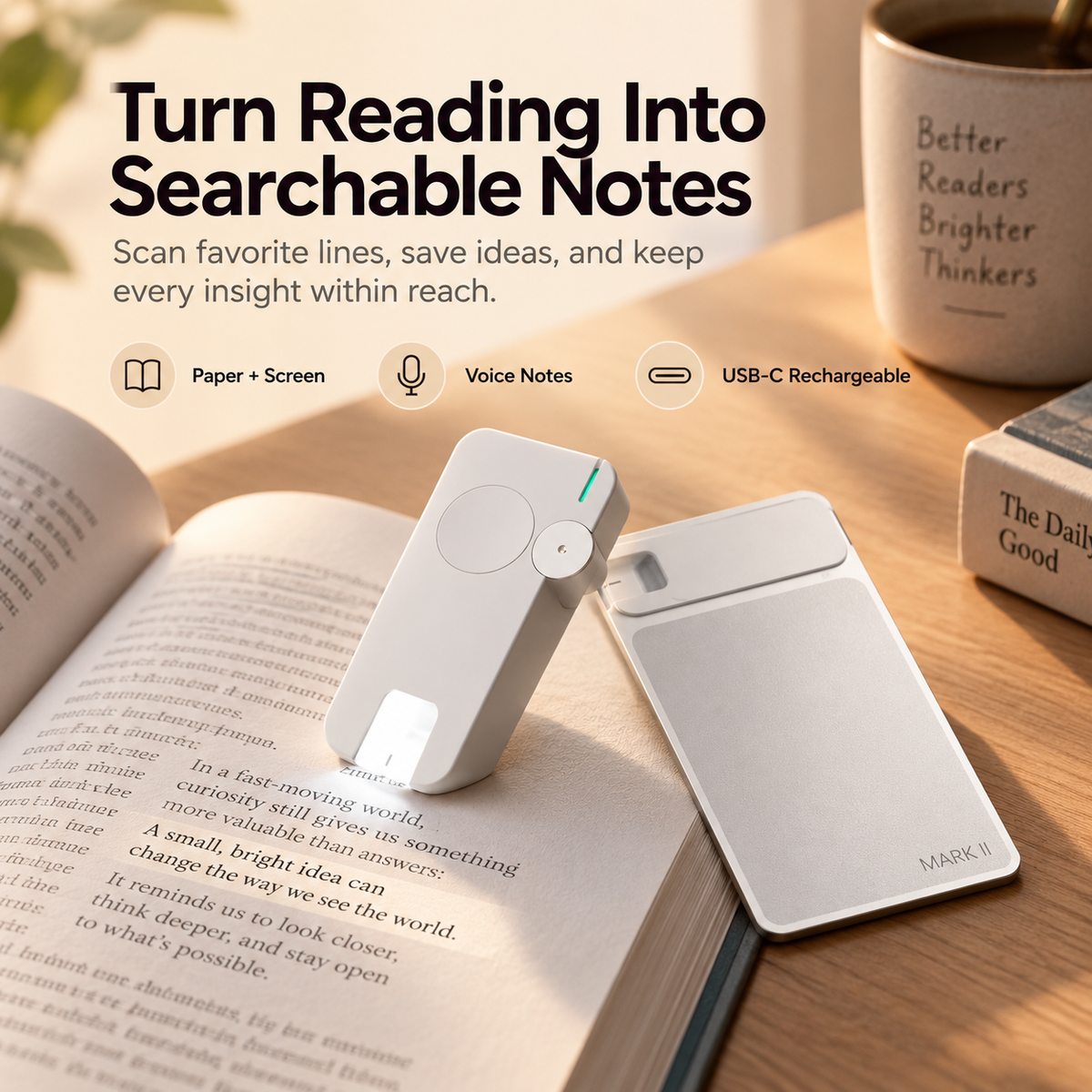
Instead of reaching for a marker or manually retyping the quote, use the scanner to capture the passage and continue through the book.
Stay inside the book until a line is worth keeping.
Glide the reading tool across the text you want to capture.
Return to the chapter instead of stopping to manually retype the passage.

Keep the Same Capture Routine Across Paper and Compatible Screens.
The current product page supports printed books, documents and compatible e-reader or tablet screens, so your reading library does not have to depend on only one format.
Capture text digitally while keeping the printed page free from traditional highlighter marks.
Bring source material into the same reading-note workflow.
The source page lists compatible e-readers and tablets as supported reading surfaces.
Multi-language text capture is listed, with recognition performance varying by software and usage conditions.
Save What the Quote Made You Think.
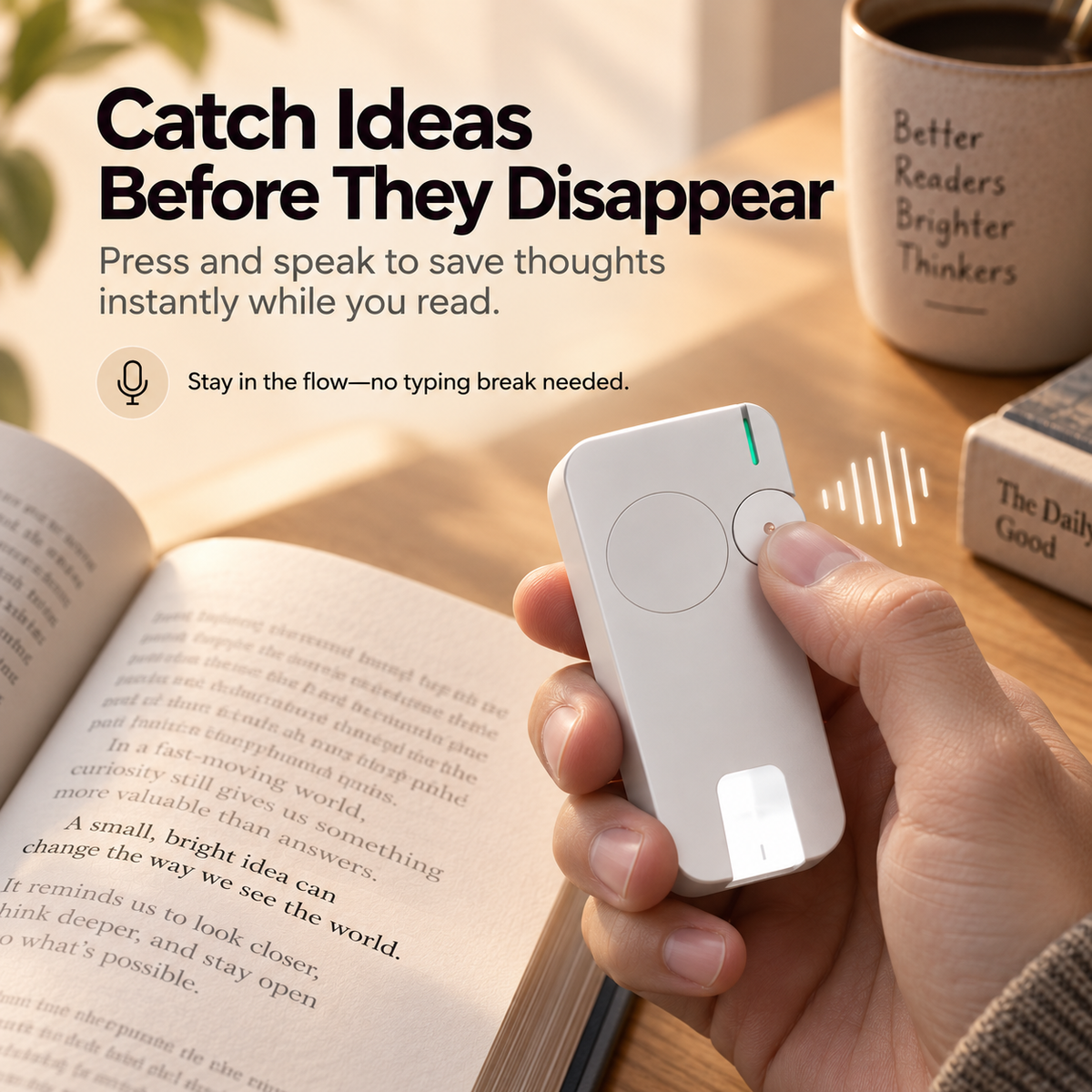
Sometimes the sentence matters. Sometimes the idea it triggers matters more. Use the built-in control to record a spoken thought before that reaction disappears.
The reading session becomes a cycle of switching between the book and another device.
Capture the thought closer to the moment it appears without manually typing a full note.
Turn Scattered Reading Moments Into a Searchable Library.
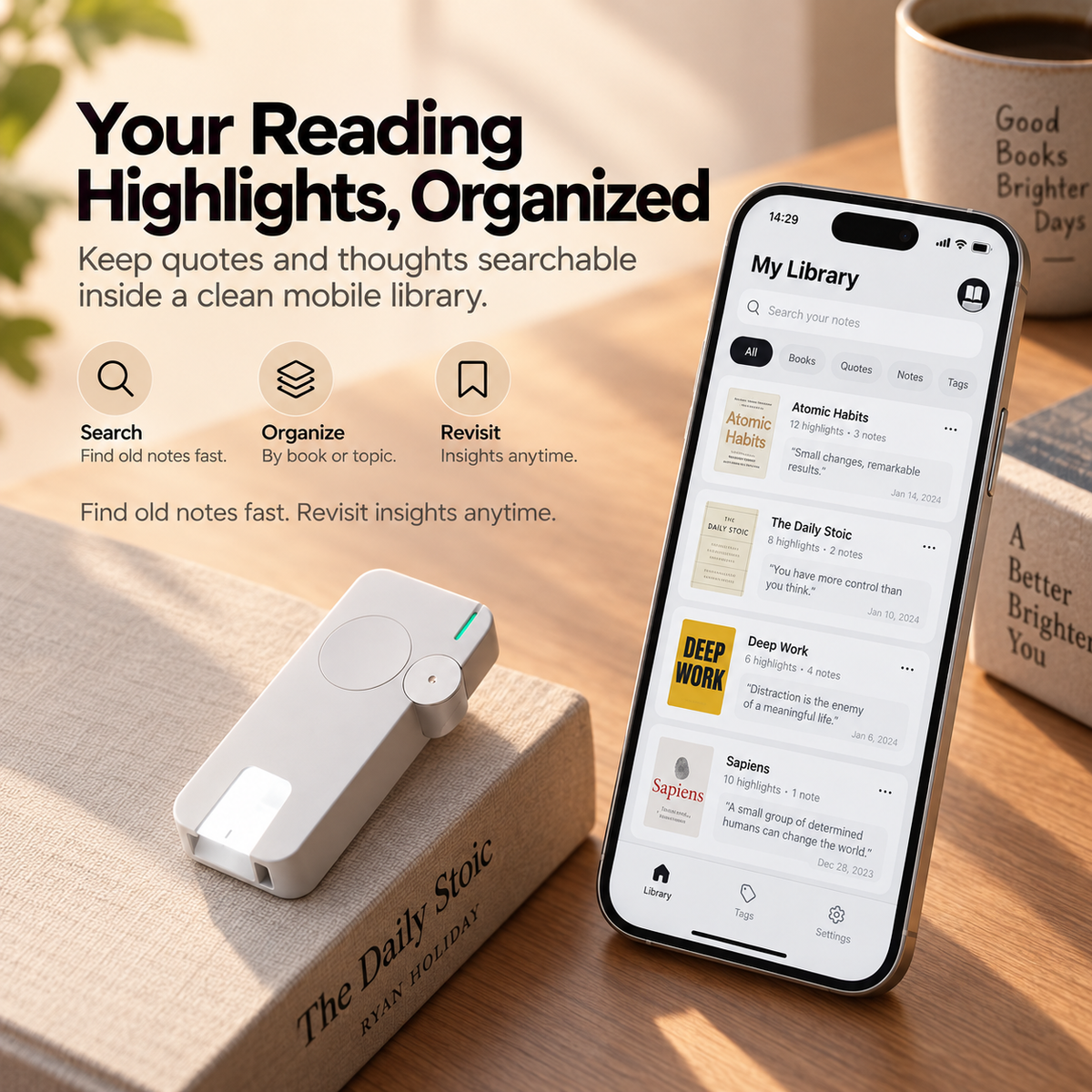
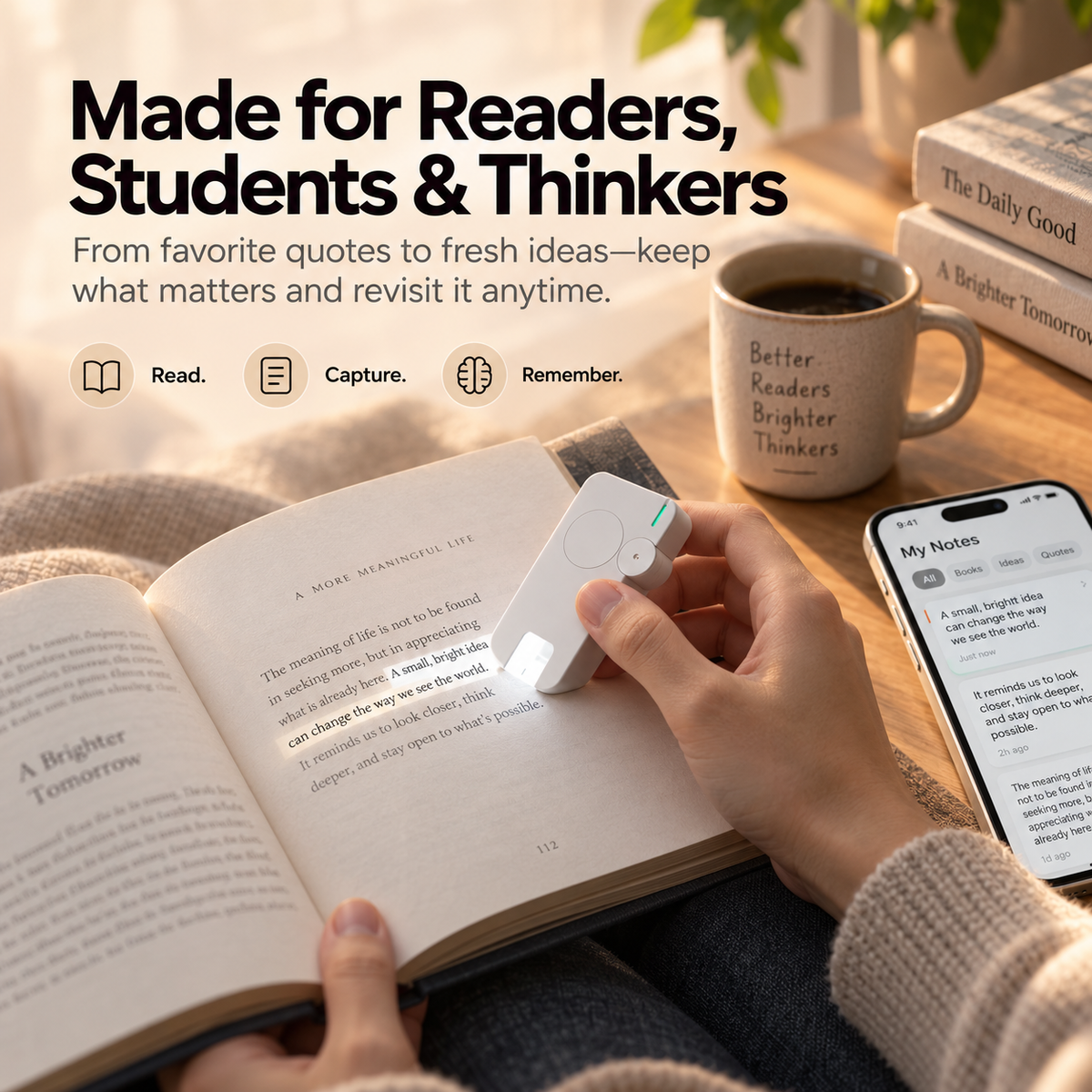
Captured passages and personal thoughts can be brought into the companion app, where they can be organized, searched and revisited after the book has gone back on the shelf.
Build a cleaner reading library instead of spreading quotes across sticky notes and screenshots.
Search saved content instead of flipping through every old book looking for one passage.
Your reading notes stay useful after the original reading session ends.
The current source page states that saved notes can remain available offline, subject to app and software conditions.
Compact Enough to Become Part of the Reading Routine.
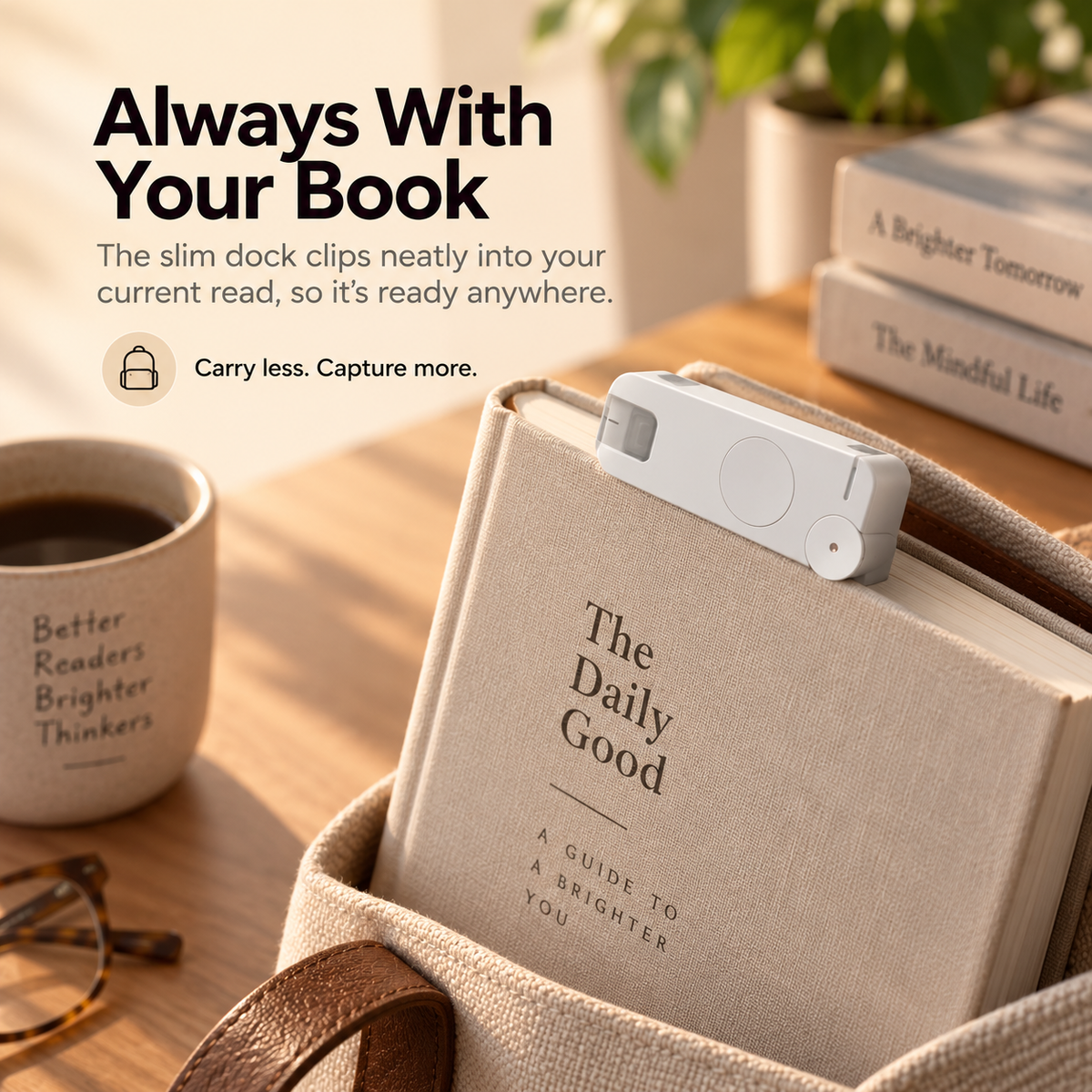
The slim bookmark-inspired format is designed around staying close to the current read, rather than becoming another large device that lives permanently on the desk.
A slim form fits naturally into a reading-focused setup.
Recharge through a familiar USB Type-C connection.
Current specifications confirm Bluetooth connectivity for the companion workflow.
Read. Capture. Remember.
The hardware is useful because it connects the moment you discover an idea with the library where you want that idea to live later.
Because Finishing the Book Isn't the Same as Keeping What You Learned.
Favorite quotes, research passages, study material and personal reactions become more useful when they can return later as something searchable.
Why This Is Different From Another Pen, Scanner or Notes App.
The bookmark-inspired format is built around capturing text while reading rather than starting a separate scanning workflow later.
Text scanning preserves the passage while voice notes preserve the idea it triggered.
Companion-app organization helps turn individual highlights into a library that can be revisited later.
Specifications
Frequently Asked Questions
Does it physically highlight my book with ink?
Can I capture my own thoughts too?
Can it work with an e-reader or tablet?
Where do my highlights go?
Does it need Wi-Fi all the time?
Does it support multiple languages?
Does it support Android?
How does it charge?
What is it made from?
What does the “AI” feature do?
What are the exact dimensions and weight?
Don't Let the Best Idea in the Book Disappear When You Close It.
Scan the line, save the thought, keep reading and come back to the idea when it actually matters.
CAPTURE YOUR NEXT GREAT IDEA ↑


