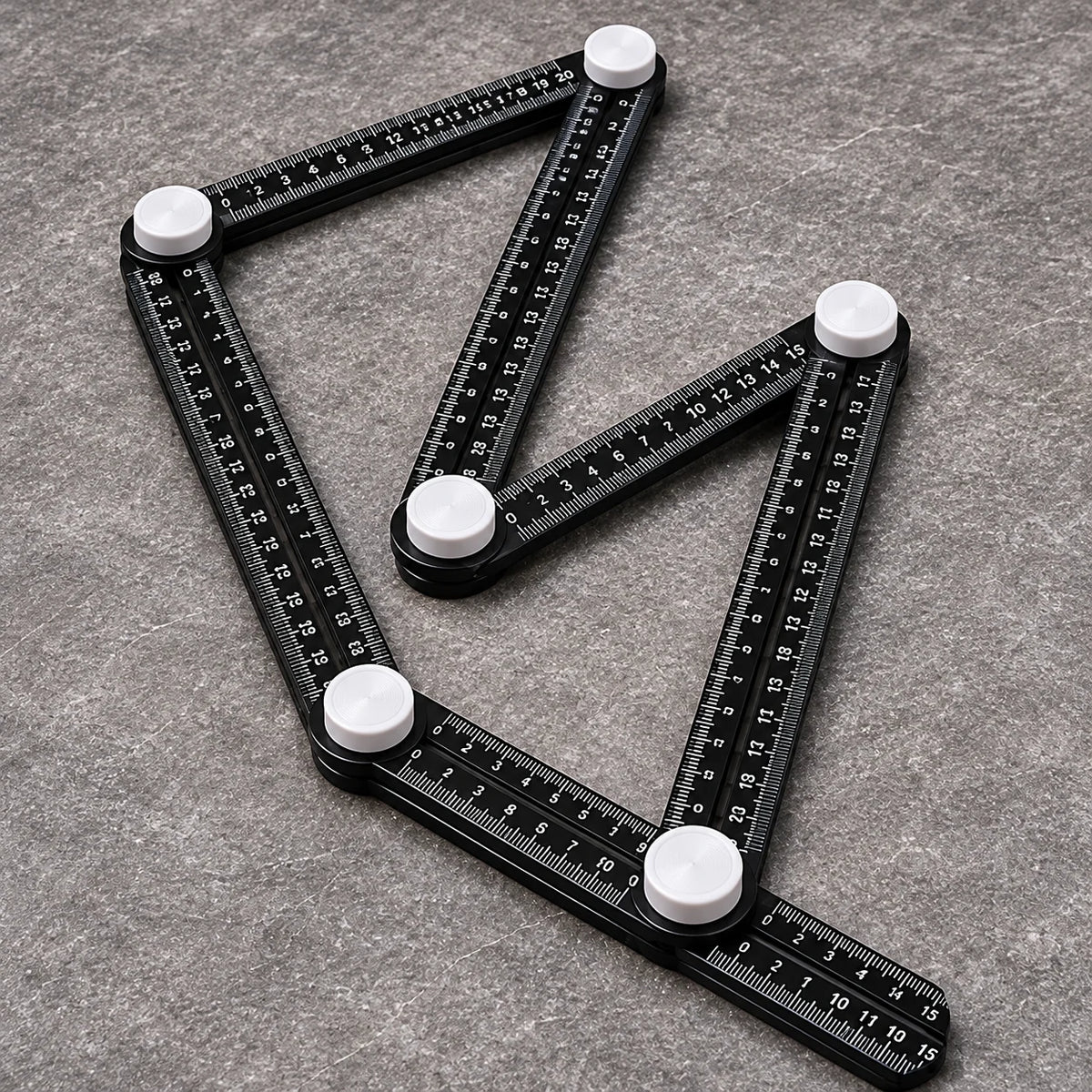
🔧 Multi-Angle Tile Template Ruler – Shape, Lock & Trace Tricky Corners
🔧 Multi-Angle Tile Template Ruler – Shape, Lock & Trace Tricky Corners

BUNDLE & SAVE
Couldn't load pickup availability

🔧 Multi-Angle Tile Template Ruler – Shape, Lock & Trace Tricky Corners
Multi-Angle Tile Template Ruler
Tricky corner?
Take the shape with you.
Adjust the arms around an awkward edge, tighten the joints and transfer the outline onto your tile. See the cutting guide before you reach for the cutter.

Several angles · One outline
Keep the whole corner in view.
Column edges and angled walls can mean more than one straight cut. Reposition the connected arms to follow the straight-sided outline you need, instead of recreating each angle separately.

Set the angle · Secure the joints
Loosen. Adjust. Tighten.
Turn the white knobs to release the joints, position the black ruler arms and tighten them to hold the chosen layout. Printed graduations give you an extra measuring guide as you work.

From the corner to the tile
Move the shape. Mark the cut.
Lift the secured template carefully and place it on your tile. Recheck the arm positions, then trace the relevant edges with a suitable marking pencil.

Mark · Check · Cut · Test fit
Plan for the fit before you cut.
Check tile orientation and allow for the grout joints and installation gaps your project requires. Cut with suitable separate equipment, then test the tile in place before installation.

Reset for the next layout
One corner done. Ready for another.
Loosen the joints and reshape the arms for the next angular layout. When the work is finished, fold the connected arms together and store with your measuring tools.

The essentials
Product information
01 · Purpose
Layout & shape transfer
Capture angular outlines and mark cutting guides onto tile.
02 · Adjustment
Connected ruler arms
Reposition the joints to follow suitable straight-edged shapes.
03 · Locking
Manual adjustment knobs
Tighten the white knobs to help preserve the selected layout.
04 · Storage
Folding, reusable design
Reset for another layout and fold the arms together between projects.
Before your next tile cut
Frequently asked questions
Does this tool cut the tile?
It captures and transfers the layout for marking. Use a separate tile cutter or other suitable cutting equipment after checking the outline.
Where can I use the adjustable template?
Use it for suitable angular layouts around columns, projecting corners and angled wall sections, wherever the arms can follow the required edges.
Can it trace a round pipe opening?
The connected arms form straight-edged outlines. Use a suitable curved-contour marking tool for round pipe cutouts.
What should I check before cutting?
Recheck the joint positions after moving the template. Confirm tile orientation, your marked outline and the grout joints or installation clearances needed for the job.