⚡ Smart Display USB-C Docking Station – One Cable, A Complete Desktop Setup
⚡ Smart Display USB-C Docking Station – One Cable, A Complete Desktop Setup

BUNDLE & SAVE
Couldn't load pickup availability
-
Ordered
- - -
Order Ready
- - -
Delivered

⚡ Smart Display USB-C Docking Station – One Cable, A Complete Desktop Setup
ONE CONNECTION. A MORE CAPABLE DESK.
Turn Your USB-C Laptop Into a Complete Desktop Setup
Connect displays, storage cards, USB accessories and wired internet through one compact desktop hub.
A built-in smart display keeps important connection and operating information visible while you work.
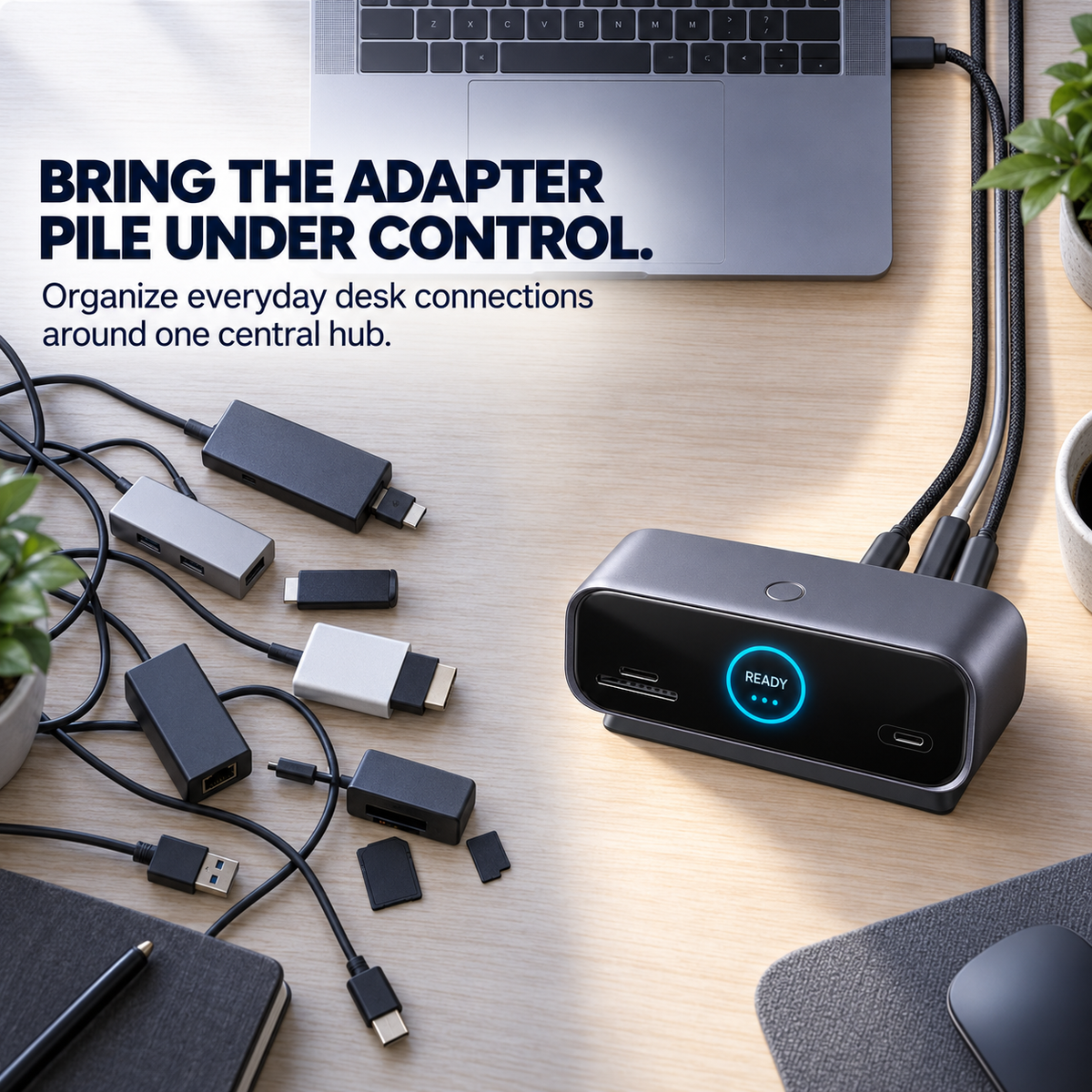
Your Laptop Is Powerful—Its Port Selection May Not Be
Connecting a monitor, storage card, keyboard, external drive and wired network can quickly turn a clean workspace into a collection of separate adapters.
This multi-port docking station brings essential desktop connections together, helping you create a more organized workflow through one compatible USB-C host connection.
One Cable Connects Your Workflow
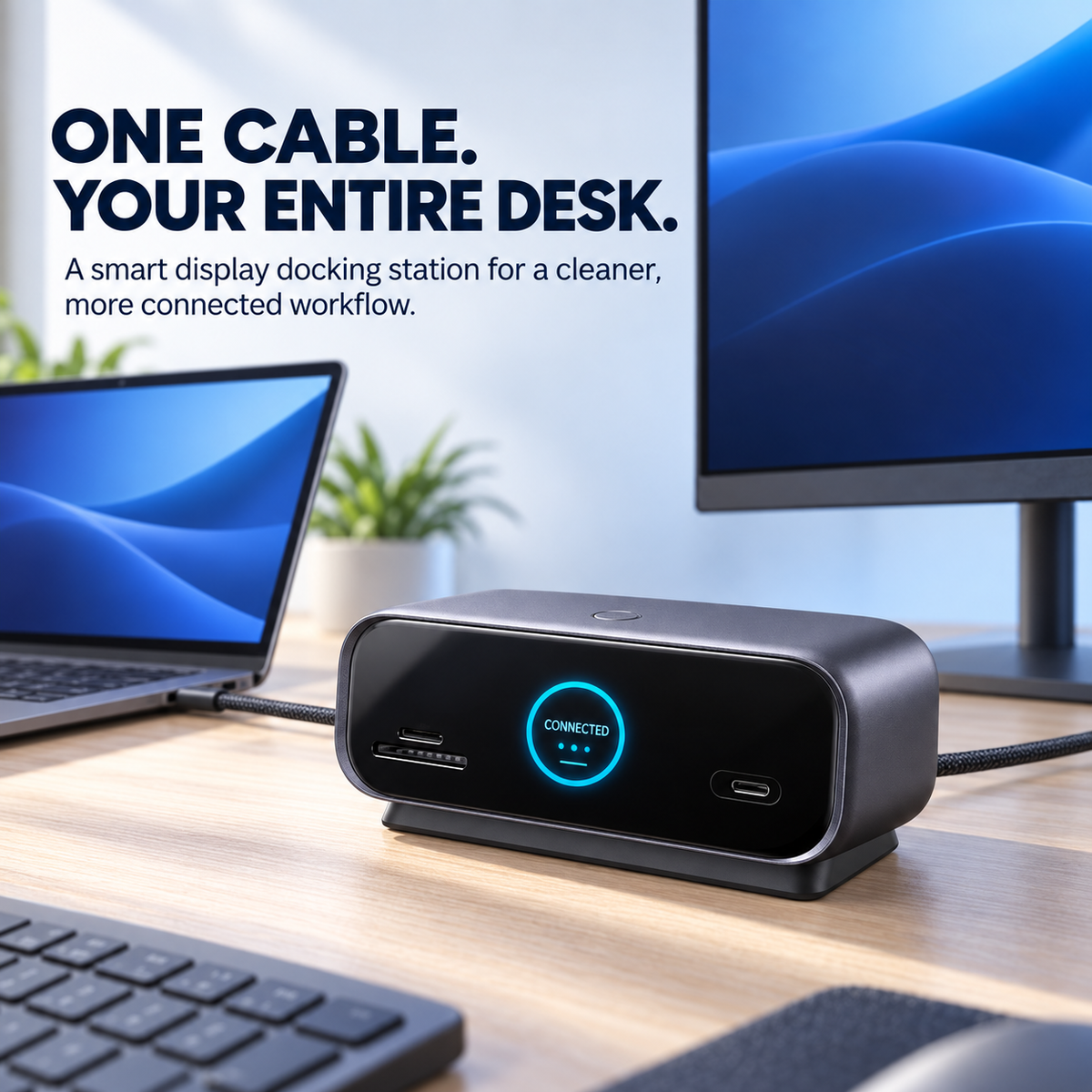
Return to your desk, connect the host cable and access compatible monitors, storage, networking and USB accessories from one central hub.
See More Than a Power Light
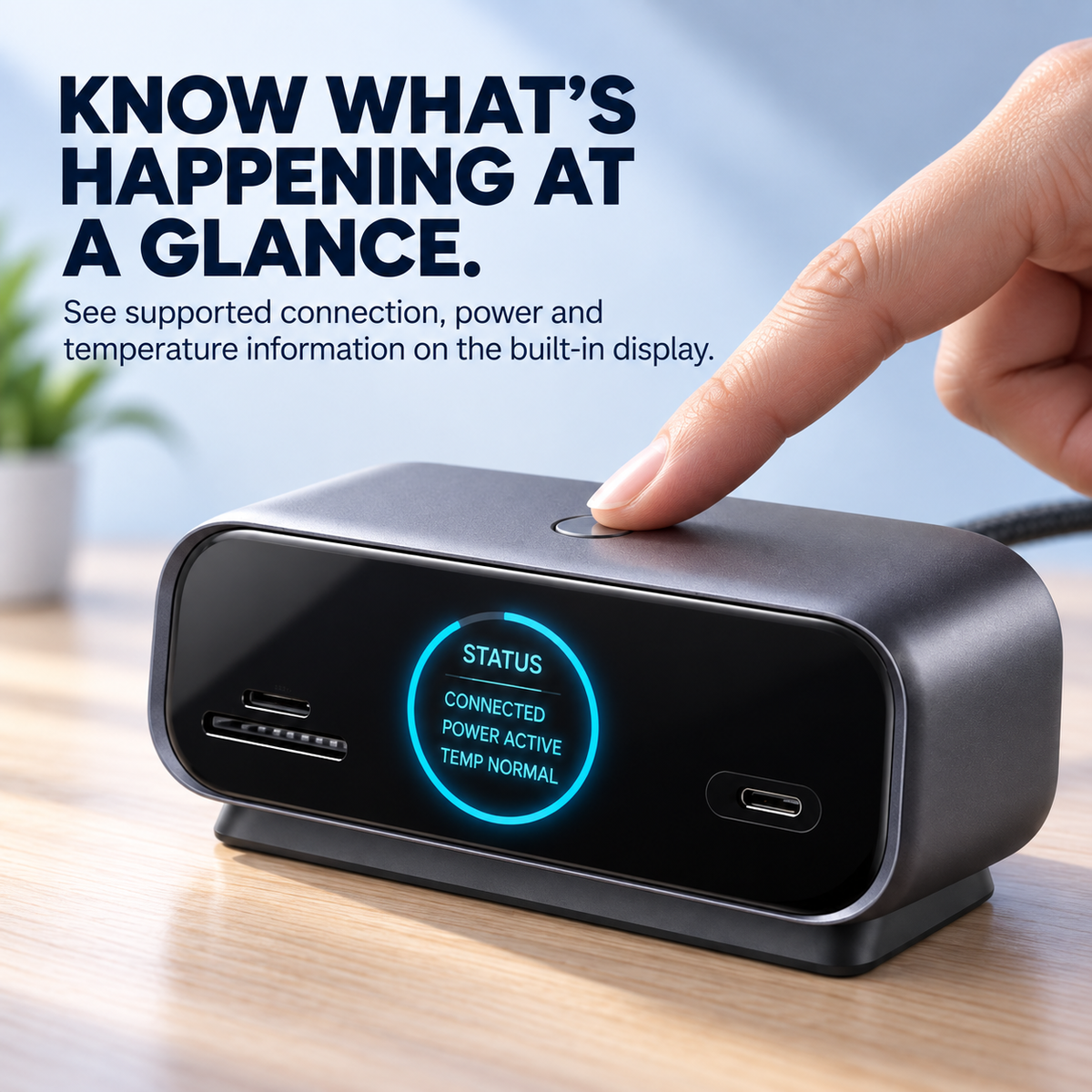
Most hubs leave you guessing. The integrated color display provides visible feedback about supported connection, power and operating information.
Use the top-mounted control button to move through the available display pages without opening additional software.
The Connections Your Desk Depends On
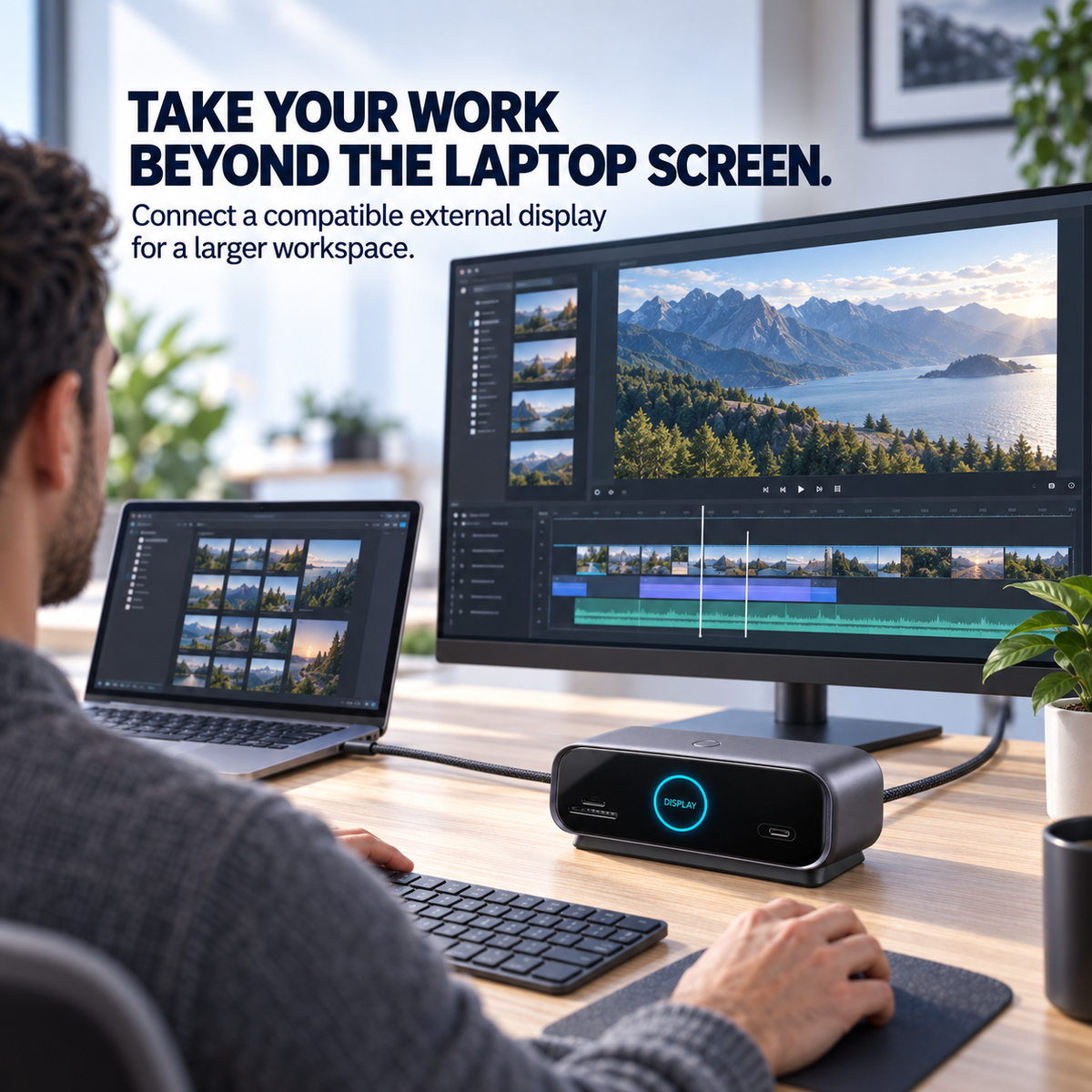
🖥️ HDMI & DisplayPort
Connect compatible external displays for editing, multitasking, presentations and larger-screen productivity.
💾 USB-C & USB-A Data Ports
Connect compatible storage drives, keyboards, mice and other everyday USB accessories.
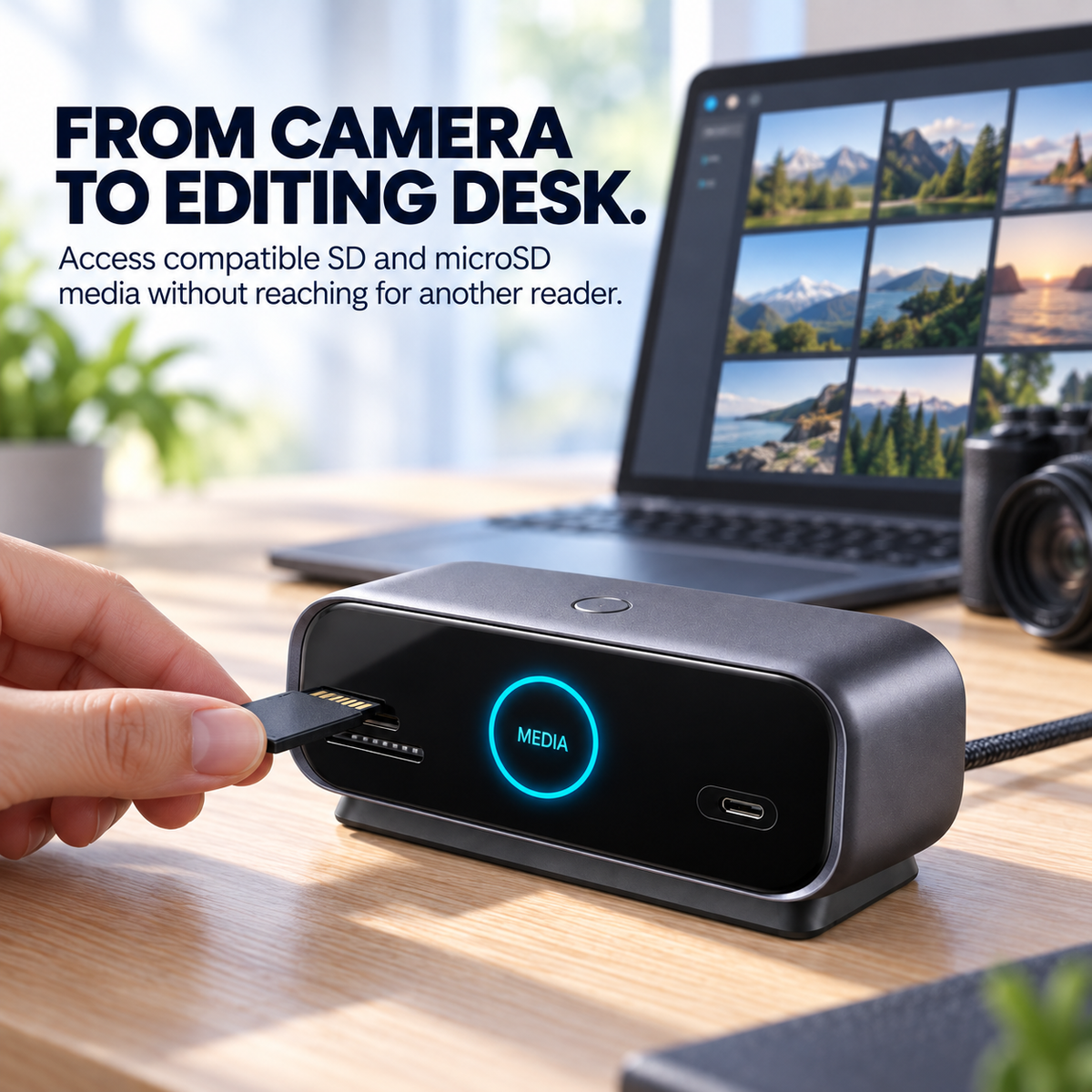
📸 SD & microSD Card Slots
Transfer compatible photos and video files from cameras, drones and other recording devices.
🌐 Gigabit Ethernet
Connect to a compatible wired network for a stable desktop internet connection.
⚡ USB-C Power Input
Connect a compatible USB-C power source to support the dock and pass available power to a compatible host device.
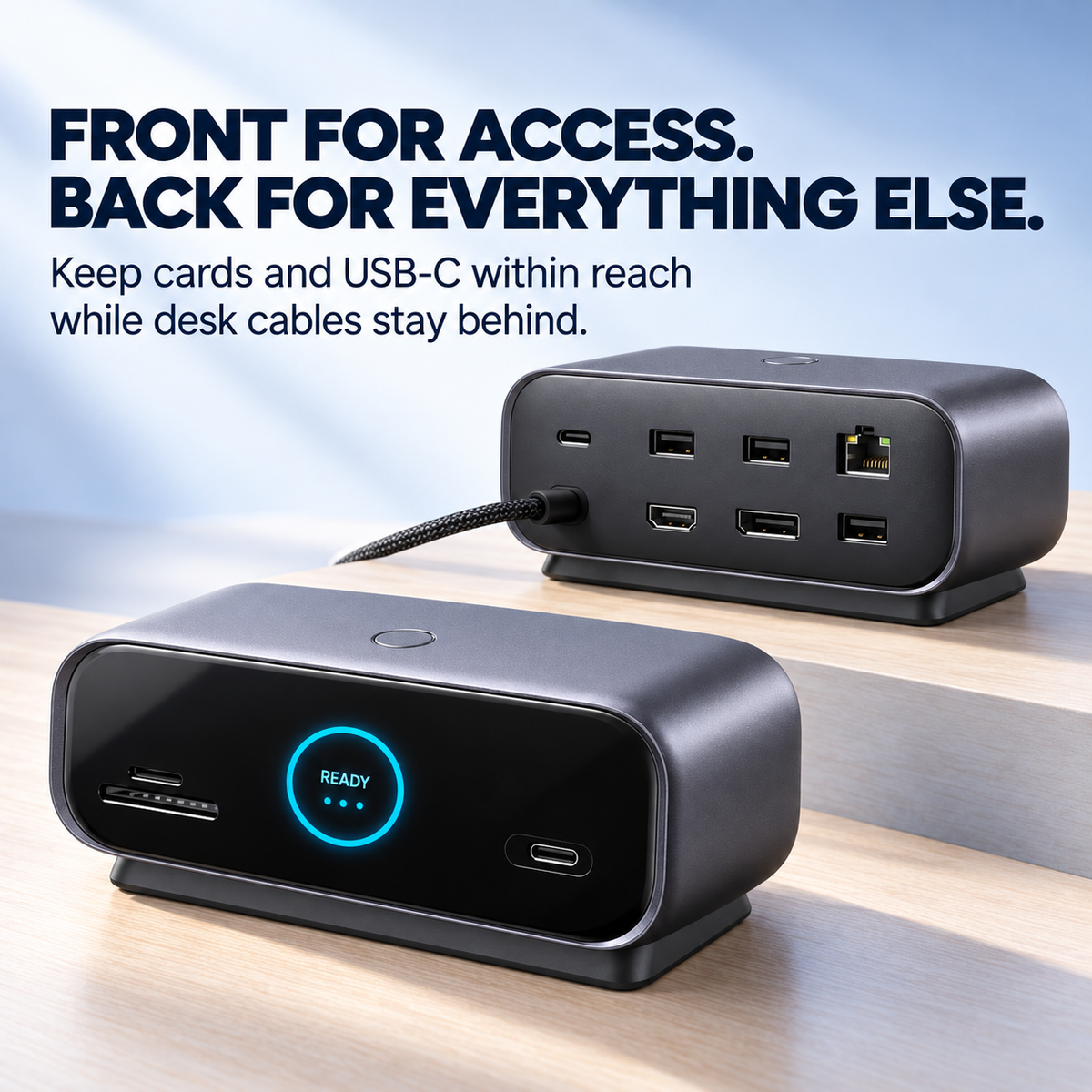
Front Access. Rear Organization.
Front Connections
SD card slot
microSD/TF card slot
USB-C data port
Smart status display
Display control button
Rear Connections
HDMI output
DisplayPort output
USB-A data ports
Gigabit Ethernet
USB-C power input
USB-C host connection
Built for Modern Creative Workflows
Import footage from a compatible memory card, connect a larger editing display and keep external storage available from one central desktop device.
It is a practical setup for photographers, video editors, designers and creators who regularly move between portable and desktop work.
Made for the Way You Work
🎬
Content CreationTransfer media and connect compatible editing equipment.
💼
Home OfficeBuild an organized workstation around a USB-C laptop.
📊
Multi-Screen WorkUse compatible external displays for additional workspace.
🧳
Hybrid WorkReconnect your desk accessories through one host cable.
Check Compatibility Before Ordering
Your host device’s USB-C port must support the functions you intend to use. A USB-C connector alone does not guarantee video output, charging or maximum data speed.
Display resolution, refresh rate, multi-monitor behavior, charging power and data speed depend on the laptop, operating system, power adapter, cables and connected devices.
Frequently Asked Questions
Does it work with every USB-C laptop?
No. Compatibility depends on the host device’s USB-C capabilities. Check support for data transfer, video output and charging before ordering.
Can I connect two external displays?
The dock includes HDMI and DisplayPort connections. Available display modes and maximum output depend on the host hardware and operating system.
Does the dock require external power?
Connect a compatible USB-C power source when additional power or host-device charging is required. Check the selected package for power-adapter contents.
What does the screen display?
The integrated screen displays supported connection, power and operating information. Available pages may vary by device state and product version.
Build a Smarter Desktop Around One Connection
Bring displays, storage cards, USB accessories and wired networking together in one organized workspace.
⚡ Upgrade Your Workspace