Skip to product information

📺 Wireless HDMI Screen Mirroring Adapter – 1080P Plug & Play

📺 Wireless HDMI Screen Mirroring Adapter – 1080P Plug & Play

★★★★★ (233 Reviews)
United States Flag
MADE IN State of Colorado
SHOPIFY SECURE
Regular price $37.99
Regular price $37.99 Sale price
SAVE Sold out

BUNDLE & SAVE

📺 Wireless HDMI Screen Mirroring Adapter – 1080P Plug & Play

📺 Wireless HDMI Screen Mirroring Adapter – 1080P Plug & Play

Regular price $37.99
Regular price $37.99 Sale price
SAVE Sold out
Global Delivery
Worldwide Shipping
Fast dispatch with tracking updates
Ready To Ship
24–48H
›
Oct 7th
Ordered
Oct 8th – Oct 9th
Order Ready
Oct 17th – Oct 19th
Estimated Delivery
Tracking information sent once your order ships
Wireless HDMI Screen Mirroring Adapter

YOUR PHONE SCREEN WASN'T MADE FOR EVERYONE. PUT IT ON THE BIG SCREEN.

Mirror compatible photos, personal videos, browser content and presentations from your phone, tablet or computer to a TV, monitor or projector in up to 1080P Full HD.

📺 Up To 1080P Full HD 📡 Direct Wireless Mirroring ⚡ Plug & Play Setup
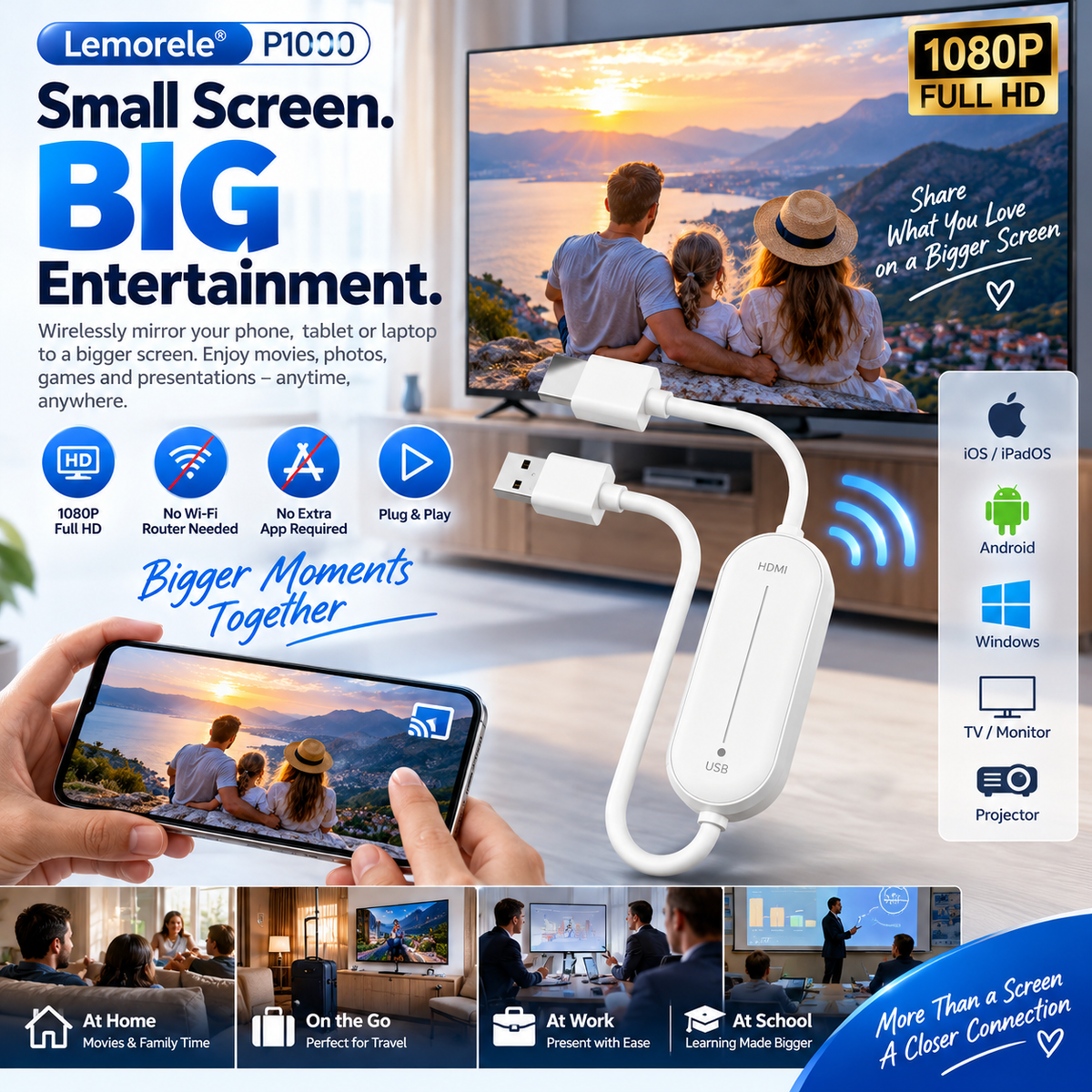
Wireless HDMI adapter mirroring smartphone screen to large television
1080P Full HD
Direct Wireless Mirroring
No Extra App
No Home Router Needed
HDMI Output
USB Powered
Some Moments Deserve More Screen

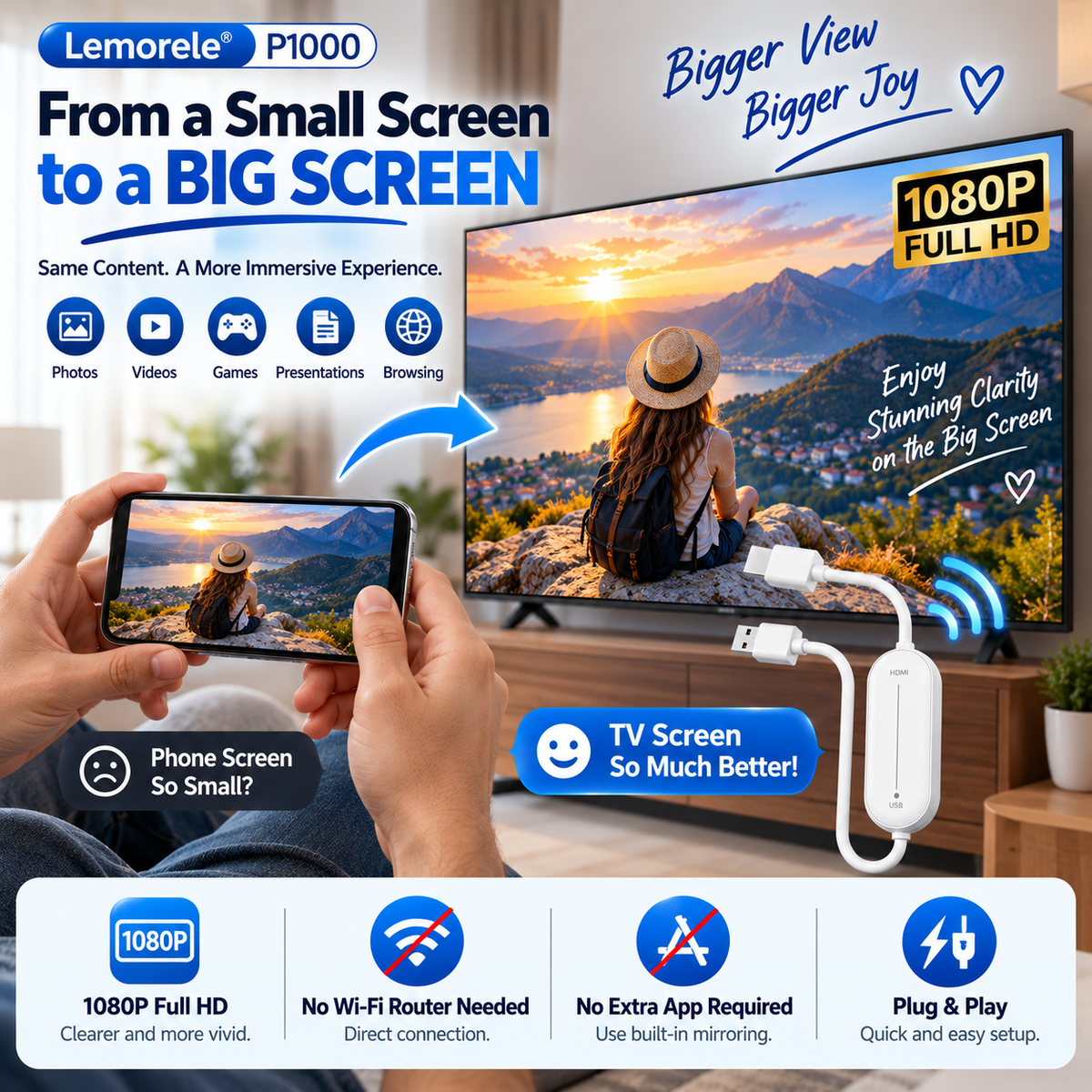
STOP PASSING A TINY PHONE AROUND THE ROOM.

Family photos, vacation clips, documents and presentations are easier to share when everyone can look at one larger display instead of crowding around a handheld screen.

Phone screen wirelessly mirrored onto a much larger television
📱

Start On Your Device

Keep using familiar content and compatible screen-mirroring controls on your phone, tablet or computer.

📺

Move To A Bigger Display

Mirror compatible content onto a television, monitor or projector with HDMI input.

👨👩👧

Share Together

Give photos, personal videos and other supported content more room to be seen.

Bigger Screen · Clearer View

UP TO 1080P FULL HD. LET THE BIG SCREEN DO ITS JOB.

Support for up to 1080P video output helps compatible photos, videos and presentations take advantage of the larger display in front of you.
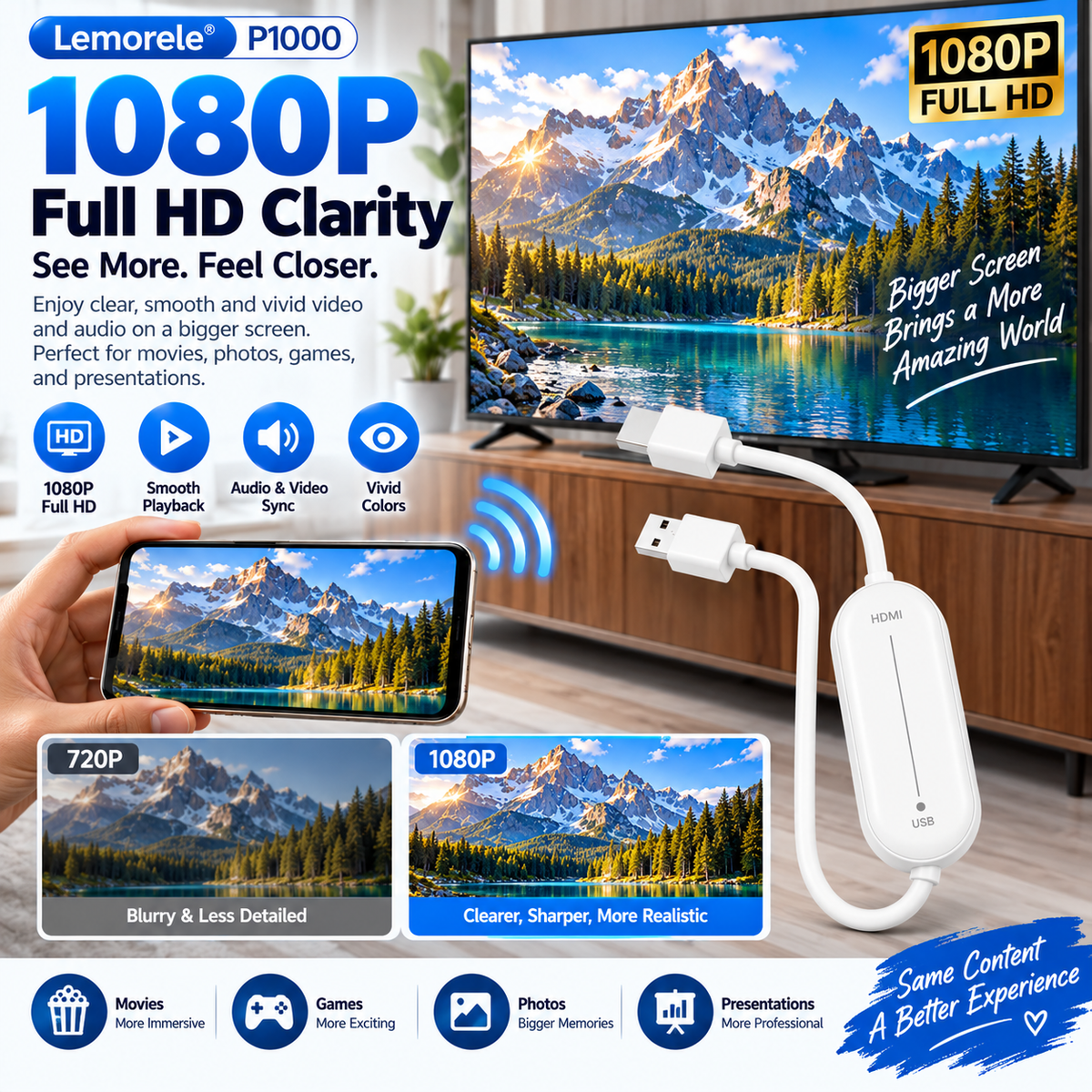
1080P wireless HDMI screen mirroring from smartphone to television
1080

Up To 1080P Full HD

Designed to output compatible mirrored content at resolutions up to 1080P.

🔊

Audio & Video Mirroring

HDMI carries supported mirrored audio and video to the connected display.

🖥️

TV · Monitor · Projector

Use a compatible display with an available HDMI input.

Connect Without Complicated Installation

PLUG IN. CHOOSE HDMI. START MIRRORING.

Supported devices use their built-in wireless display function, so there is no extra mirroring app to install before getting started.

Three step setup for wireless HDMI screen mirroring adapter
01

Connect HDMI + USB Power

Plug HDMI into the display and USB into a suitable USB power source.

02

Select The HDMI Input

Switch your television, monitor or projector to the HDMI port where the adapter is connected.

03

Enable Screen Mirroring

Open your compatible AirPlay, Miracast or Wi-Fi Display function and select the wireless receiver.

Less Setup Between You And The Screen

NO EXTRA APP. NO HOME WI-FI ROUTER REQUIRED.

Direct wireless screen mirroring allows supported devices to connect without depending on your home Wi-Fi router or a separate mirroring application.

📡 DIRECT CONNECTION

No Home Router Needed

Supported direct mirroring protocols establish the screen-sharing connection without requiring a home Wi-Fi router.

📲 BUILT-IN MIRRORING

No Extra Screen-Mirroring App

Use the compatible wireless display function already built into your device.

🔌 USB POWER

One Cable Handles Power

The USB connection powers the adapter while HDMI delivers mirrored audio and video to the display.

One Adapter · More Places To Share

HOME. TRAVEL. WORK. LEARNING.

The compact adapter gives compatible devices a simple way to reach a larger HDMI display in more than one setting.
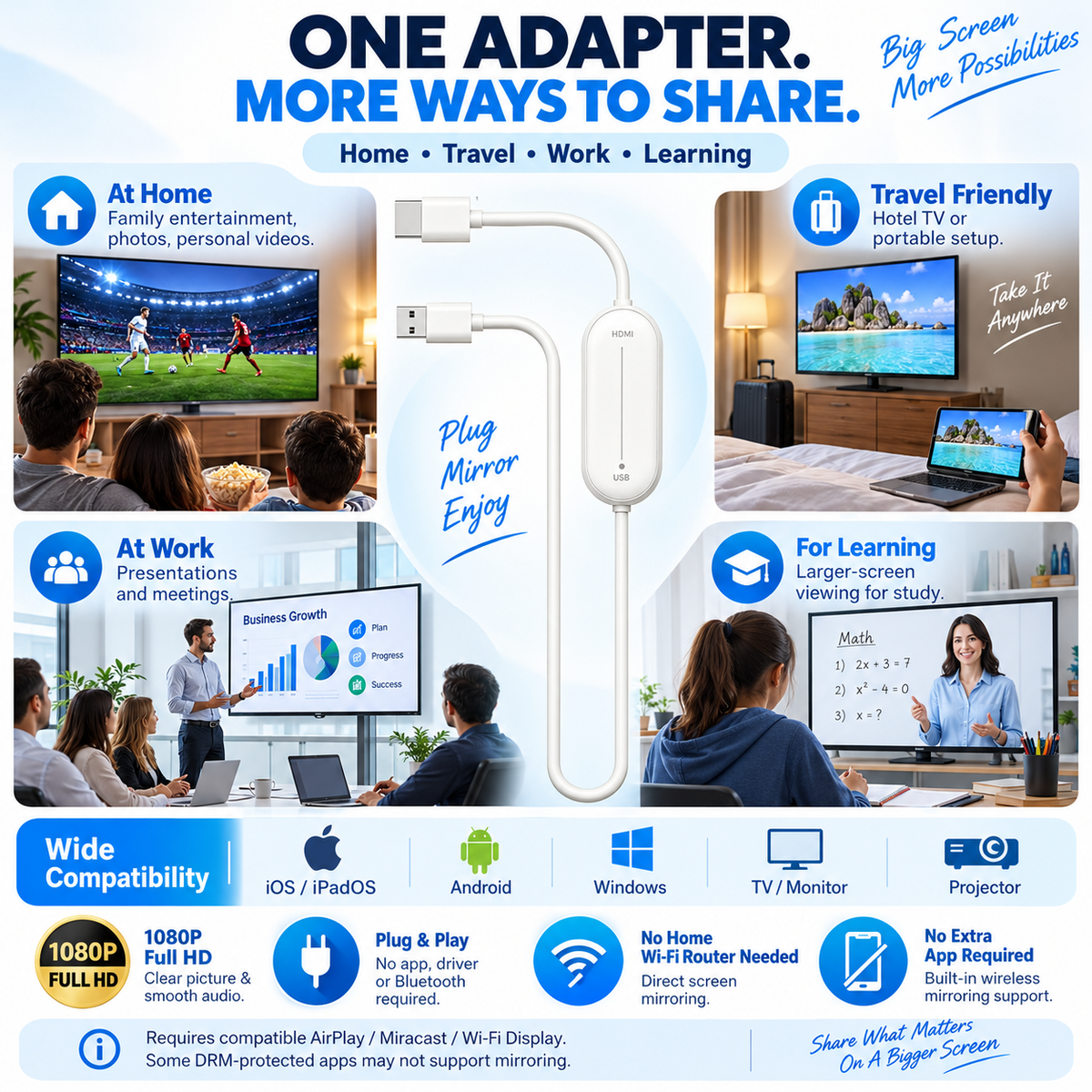
Wireless HDMI adapter used at home while traveling at work and for learning
🏠

At Home

Share family photos, personal videos and other compatible screen content on a larger television.

✈️

While Traveling

Pack the compact adapter for compatible hotel televisions with an accessible HDMI input.

💼

At Work

Display supported presentations, documents and other screen content on a meeting-room display.

🎓

For Learning

Give compatible educational materials more screen space for easier group viewing.

Small Enough To Pack With Your Tech

THE BIG SCREEN DOESN'T HAVE TO STAY HOME.

Keep the compact adapter with your travel electronics and use compatible HDMI displays when you want more screen space away from home.

Compact wireless HDMI adapter shown for hotel television and travel use
🧳 Phone-sized content. Hotel-TV-sized viewing.

When an accessible compatible HDMI input is available, the adapter can give supported devices a larger display without bringing a streaming box.

Built Around Common Wireless Display Protocols

AIRPLAY. MIRACAST. WI-FI DISPLAY.

Use the adapter with devices that support a compatible wireless screen-mirroring protocol, paired with a receiving display that has HDMI input.

🍎 APPLE

Compatible AirPlay Devices

Mirror supported content from compatible Apple devices using their built-in AirPlay screen-mirroring function.

🤖 ANDROID

Compatible Miracast / Wi-Fi Display Devices

Android compatibility depends on whether the device supports a compatible wireless display protocol.

🪟 WINDOWS

Wireless Display Support

Compatible Windows devices can use supported wireless display functionality for screen mirroring.

📺 DISPLAY

HDMI Input Required

Connect the adapter to a compatible television, monitor or projector with HDMI input.
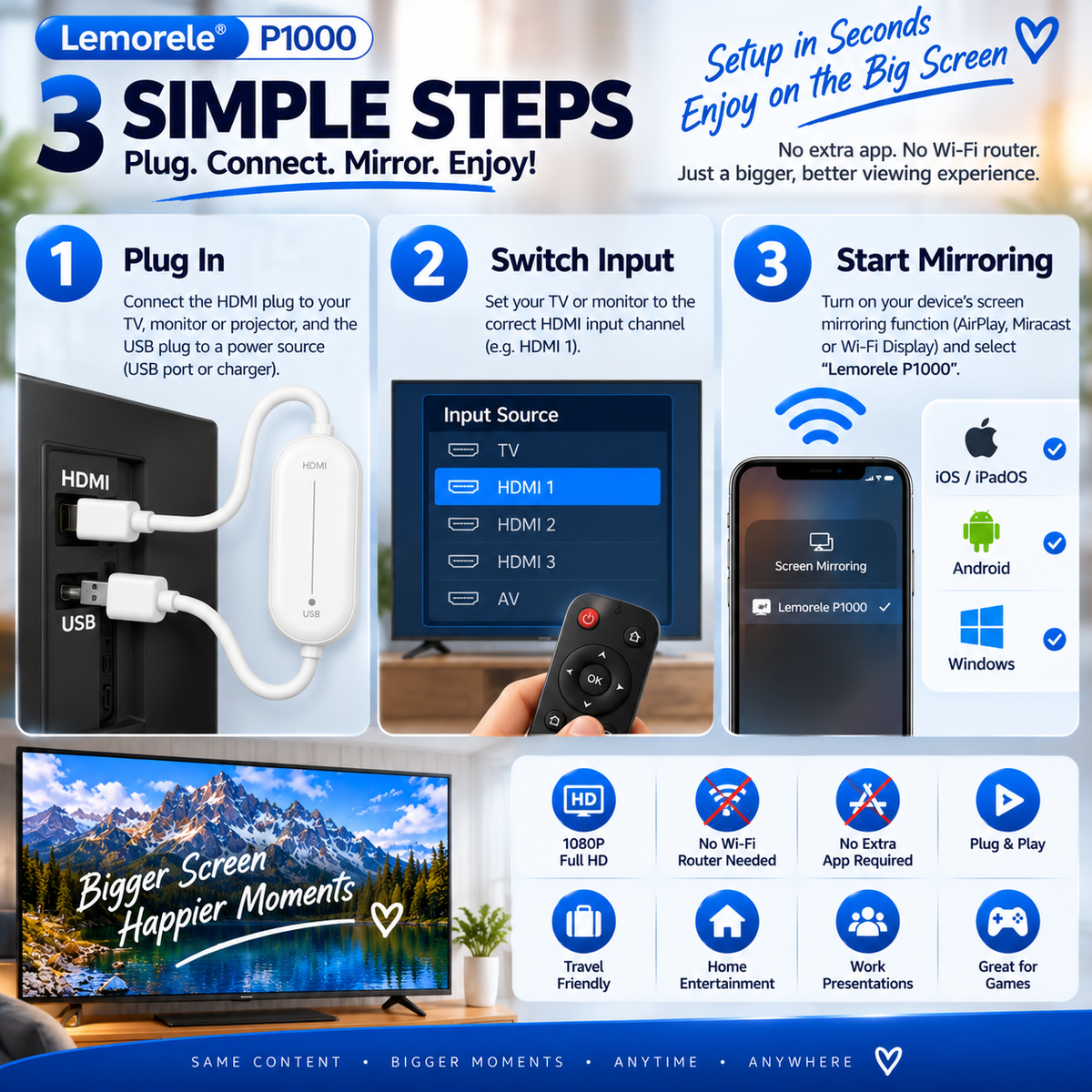
Setup At A Glance

THREE STEPS FROM SMALL SCREEN TO BIG SCREEN.

Wireless HDMI adapter setup guide showing plug in select HDMI and start mirroring
Product Highlights

ONE SMALL ADAPTER. A LOT MORE SCREEN.

📺 UP TO 1080P

Full HD Video Output Support

Mirror compatible content at resolutions up to 1080P Full HD.

📡 DIRECT MIRRORING

No Home Wi-Fi Router Required

Supported devices connect through compatible direct wireless display protocols.

📲 NO EXTRA APP

Use Built-In Mirroring

Supported devices can use their existing AirPlay, Miracast or Wi-Fi Display function.

🔌 HDMI + USB

Video To HDMI · Power Through USB

HDMI delivers the mirrored signal while USB provides power to the adapter.

🔊 AUDIO + VIDEO

Mirror Supported Content Together

Compatible audio and video can be delivered together through HDMI.

🧳 COMPACT DESIGN

Easy To Add To Your Travel Tech

Keep the adapter ready for compatible TVs, monitors and projectors at home or away.

Product Details

THE WIRELESS HDMI ADAPTER AT A GLANCE.

Product Type
Wireless HDMI Screen Mirroring Adapter
Video Output
Up To 1080P Full HD
Display Connection
HDMI
Power
USB
Wireless Function
Screen Mirroring
Supported Protocols
AirPlay · Miracast · Wi-Fi Display
Additional Mirroring App
Not Required On Supported Devices
Home Wi-Fi Router
Not Required For Supported Direct Mirroring
Receiving Displays
Compatible TV · Monitor · Projector With HDMI Input
Typical Uses
Photos · Personal Videos · Browsing · Presentations · Learning Content
Quick Answers

BEFORE YOU START MIRRORING.

Do I need a home Wi-Fi router?
No home Wi-Fi router is required for supported direct wireless screen mirroring. Your transmitting device must support a compatible wireless display protocol.
Do I need to download an app?
No additional screen-mirroring app is required when your device supports a compatible built-in mirroring function.
Will it work with every smartphone?
It works with devices that support compatible wireless screen-mirroring protocols such as AirPlay, Miracast or Wi-Fi Display.
Does my television need HDMI?
Yes. The receiving television, monitor or projector needs a compatible HDMI input.
What does the USB connector do?
USB supplies power to the adapter. HDMI carries the mirrored audio and video to the display.
Does it support 4K output?
This version supports video output up to 1080P Full HD.
Can I use it while traveling?
Yes. Use it with a compatible display that provides an accessible HDMI input, together with a device that supports a compatible screen-mirroring protocol.
Can I mirror subscription streaming apps?
Some subscription video services use content-protection technology that can restrict screen mirroring. The adapter is best suited to compatible screen sharing such as photos, personal videos, browser content and presentations.
Plug In · Connect · Mirror · Enjoy

GIVE YOUR SCREEN MORE ROOM TO SHINE.

Connect HDMI, add USB power, open your device's compatible wireless mirroring function and move photos, personal videos and presentations from the small screen to the one everyone can see.

Wireless HDMI screen mirroring adapter sharing smartphone content on television
Bring It To The Big Screen →
📺 1080P Full HD 📡 Wireless Mirroring 📲 No Extra App 🔌 USB Powered
View full details