🔐 EAGET FU80 Fingerprint Encrypted SSD Flash Drive – Ultra-Fast Type-C USB Drive for Secure Data Storage
🔐 EAGET FU80 Fingerprint Encrypted SSD Flash Drive – Ultra-Fast Type-C USB Drive for Secure Data Storage

BUNDLE & SAVE
Couldn't load pickup availability

🔐 EAGET FU80 Fingerprint Encrypted SSD Flash Drive – Ultra-Fast Type-C USB Drive for Secure Data Storage
Your Files. Your Fingerprint. Your Control. 🔐
Work files. Personal photos. Important documents.
Some files deserve more privacy than an ordinary storage drive can offer.
The EAGET FU80 combines fingerprint access, password management and portable solid-state storage in a bold industrial-yellow metal-style design.

Your Fingerprint Becomes Part of Your File Routine.
Stop treating every sensitive file like an ordinary document.
The FU80 supports fingerprint authentication and password-based access for its encrypted storage function.
Set up the supported security software, register your credentials and use the available authentication method to access protected files.


Keep Your Files Moving With SSD Performance.
Large photo folders, work documents and creative projects can take time to move between devices.
The FU80 uses solid-state storage and a USB interface designed for fast file transfers on compatible systems.
Actual performance depends on the host port, device, file type and storage conditions.
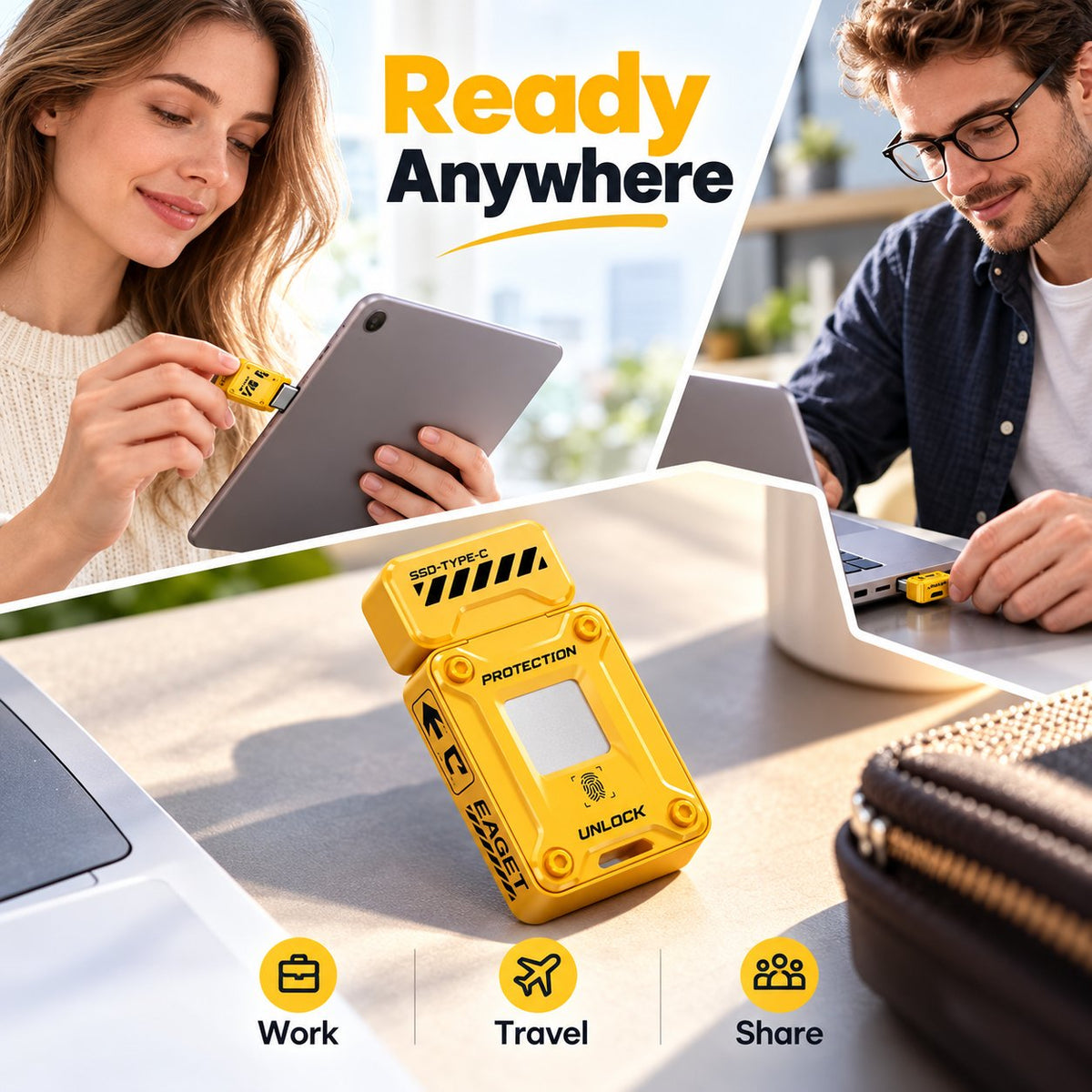
Move Between Compatible Devices With Less Fuss.
Keep selected files available across your everyday workflow.
The FU80's Type-C connection is designed for compatible computers, tablets and mobile devices.
Transfer work documents, photos and other supported files without having to send every item through cloud storage.


Keep Your Digital Workspace More Organized.
Not every file needs the same level of access.
The FU80 product documentation describes a storage setup with public and encrypted sections, allowing supported files to be managed separately.
Use the available management software to configure the storage arrangement according to your needs.
A Bold Little Drive That Stands Out.
The industrial-yellow finish gives the FU80 a distinctive look that is easy to recognize among everyday accessories.
Its zinc-alloy body combines a compact form with a solid metal feel. A small lanyard opening makes it easier to attach a suitable carrying accessory.

From the Desk to Your Next Workday.
Bring the files you need along with your everyday technology.

Carry compatible documents and project files between workstations.
Move selected photos, videos and project assets between supported devices.
Keep useful digital files in a compact physical drive.
Transfer compatible files to and from supported USB-C devices.
Set Up Your Access Before Storing Important Files.
Complete the initial configuration so your drive is ready for your everyday file workflow.
Plug it into a compatible USB port and identify the supplied setup instructions.
Follow the manufacturer's supported process to set a password and register your fingerprint.
Confirm that unlocking, file transfers and password recovery work correctly before saving important files.
Practical Storage With an Extra Layer of Access Control.
Use supported biometric access for the encrypted storage function.
Designed for fast file transfers on compatible USB systems.
A distinctive yellow finish and portable zinc-alloy construction.
EAGET FU80 Specifications.
What to Know Before You Store Your Files.
How does fingerprint protection work?
The drive supports fingerprint authentication for its protected storage function. Complete the required initial setup and register your fingerprint using the supported software.
Can I still use a password?
The product documentation describes fingerprint and password-based access. Follow the setup instructions for your specific model and keep your recovery credentials safe.
What storage capacities are available?
The manufacturer's FU80 page lists 128GB and 256GB. The store listing shows additional capacity options. Confirm the exact capacity of the variant you select.
How fast is the drive?
The manufacturer's FU80 specification lists up to 500MB/s read and 430MB/s write. Real-world performance depends on the device, port, file sizes and other conditions.
Does it work with every USB-C phone?
Not necessarily. A compatible USB-C port, supported file system and appropriate software may be required. Verify phone and operating-system support before use.
Can I use it with a Mac or Windows PC?
The manufacturer lists broad computer system compatibility. However, fingerprint management and encrypted storage features may have different software requirements by system.
Is the entire drive encrypted automatically?
The product documentation describes public and encrypted storage sections. Complete the encryption setup and verify which partition is protected before copying sensitive files.
What happens if fingerprint recognition fails?
Follow the supported recovery procedure and use your configured password if the device allows it. Keep recovery information safe and test access before relying on the drive.
Is it waterproof or shockproof?
A zinc-alloy casing does not establish a waterproof or shockproof rating. No verified IP rating or drop test is provided here, so protect the drive from water and impact.
Should I keep another copy of my files?
Yes. Keep a separate backup of important files. Encryption can help restrict access, but it cannot prevent every hardware failure, accidental deletion or loss event.
Keep Your Files Close. Keep Access Personal. 🔐
Fingerprint-based access, portable solid-state storage and a distinctive industrial design in one compact drive.
Choose the verified capacity that suits your needs and confirm compatibility with your devices before getting started.
Explore the FU80 Drive →