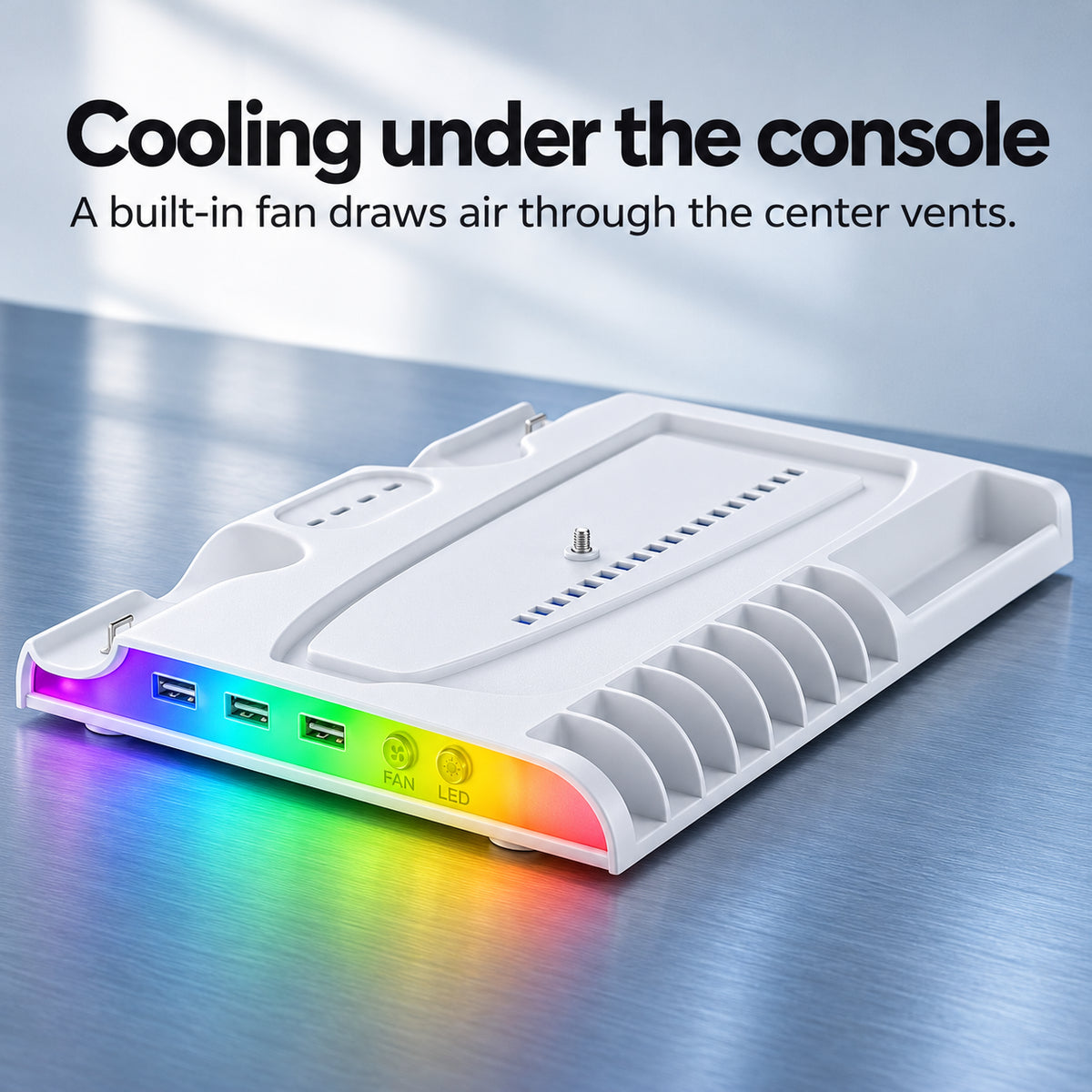
Fast Charging Dock for PS5 SLIM Digital Console Cooling Fan Stand Accessories
Fast Charging Dock for PS5 SLIM Digital Console Cooling Fan Stand Accessories

BUNDLE & SAVE
Couldn't load pickup availability

Fast Charging Dock for PS5 SLIM Digital Console Cooling Fan Stand Accessories
Game On.
Clutter Off.
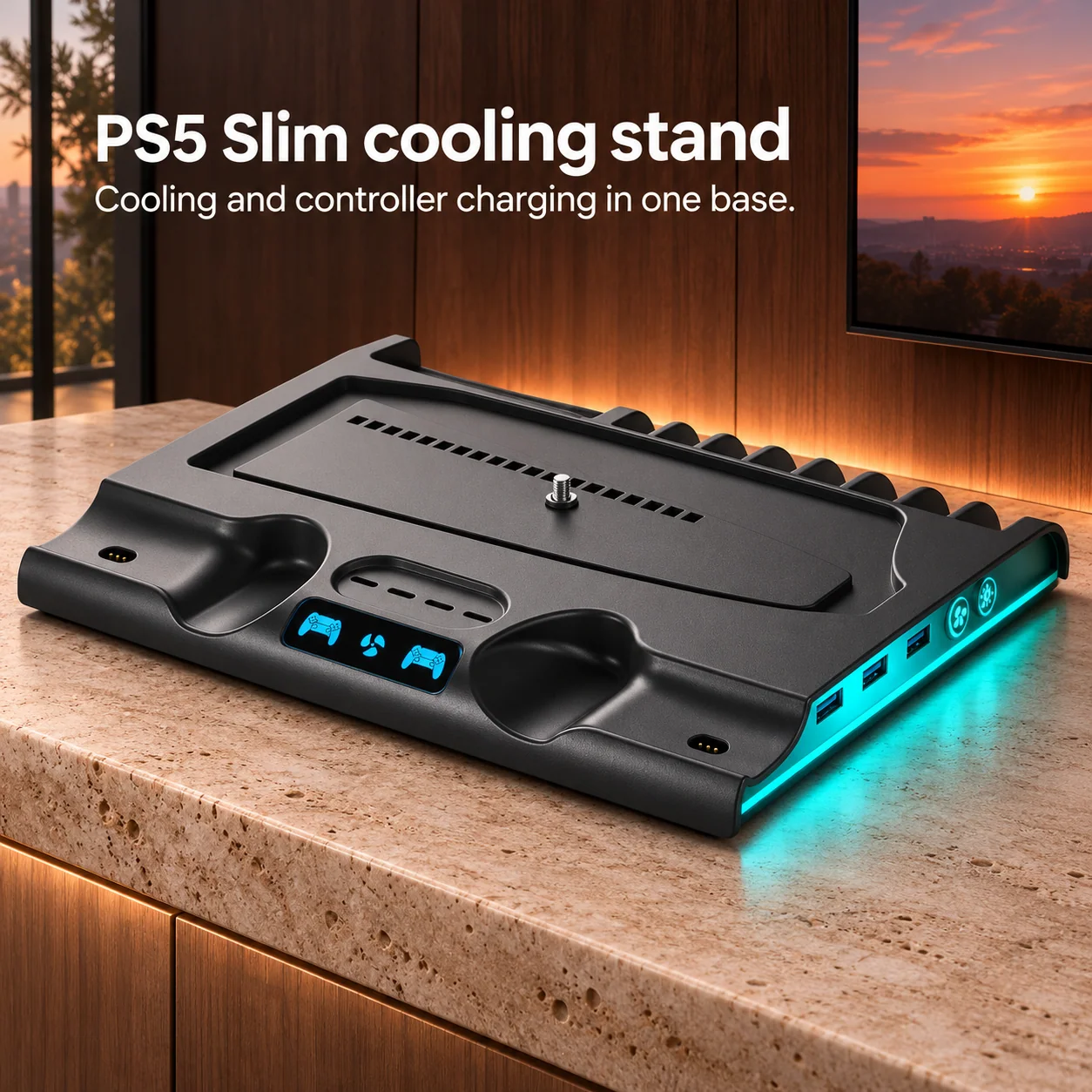
Give your PS5 Slim, controllers and game cases one organized home. Charging, ventilation, storage and ambient lighting come together in one stand.
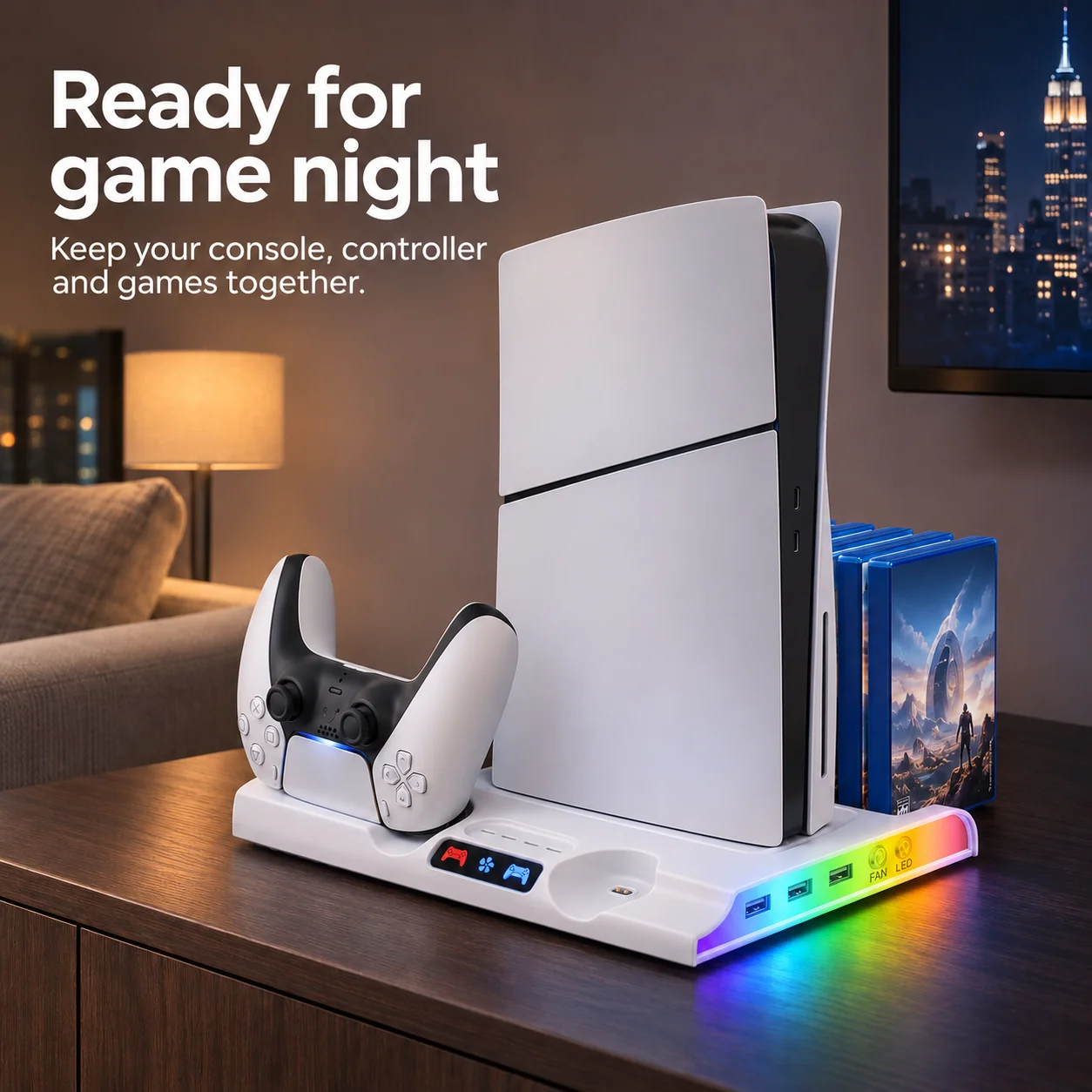
Everything Has Its Own Spot.
A dedicated base for your console, controllers and favorite games helps create a tidier setup.
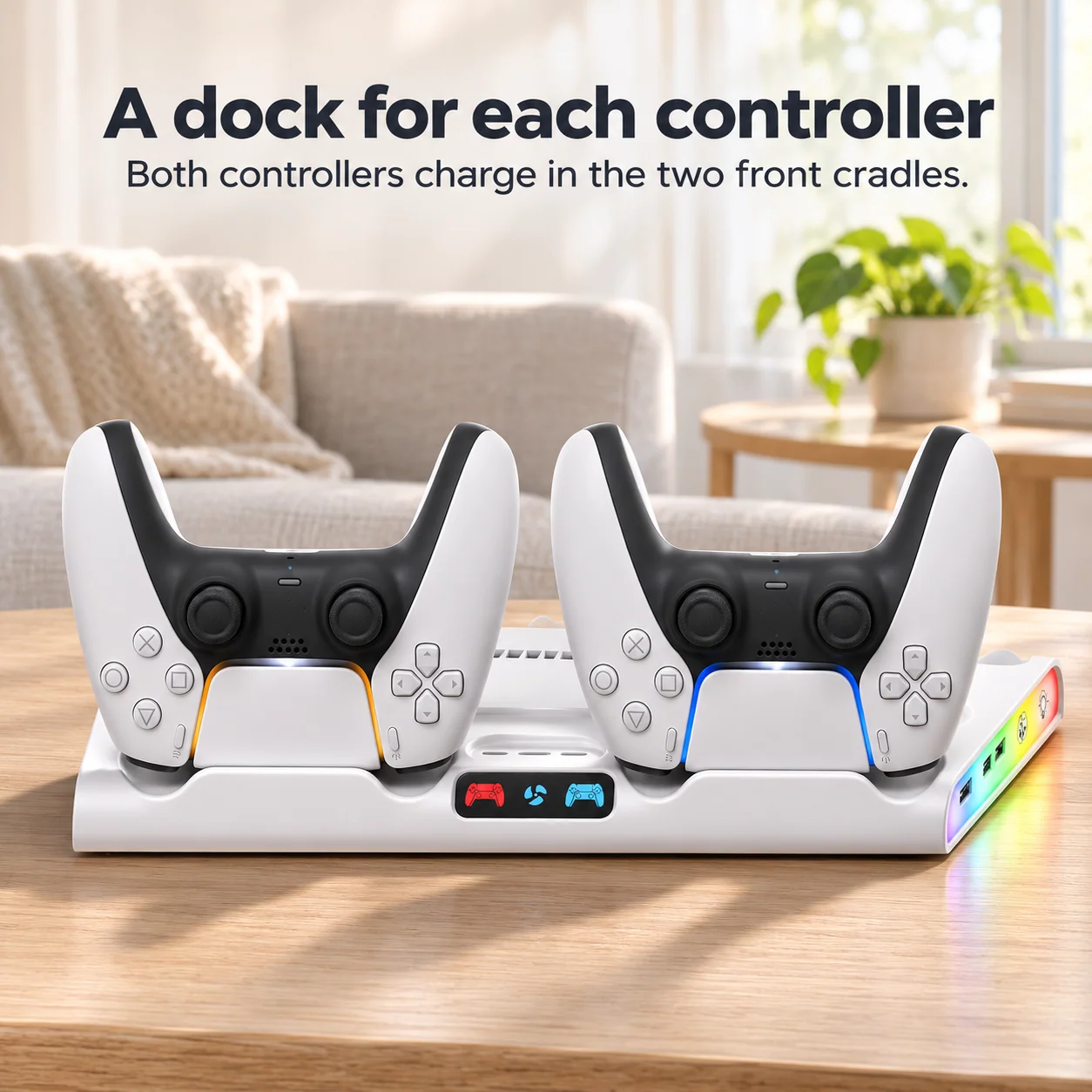
One Dock for You.
One for Player Two.
Two charging cradles let you dock both controllers together after every session.
Charge two compatible controllers at once.
Keep controllers off the table between games.
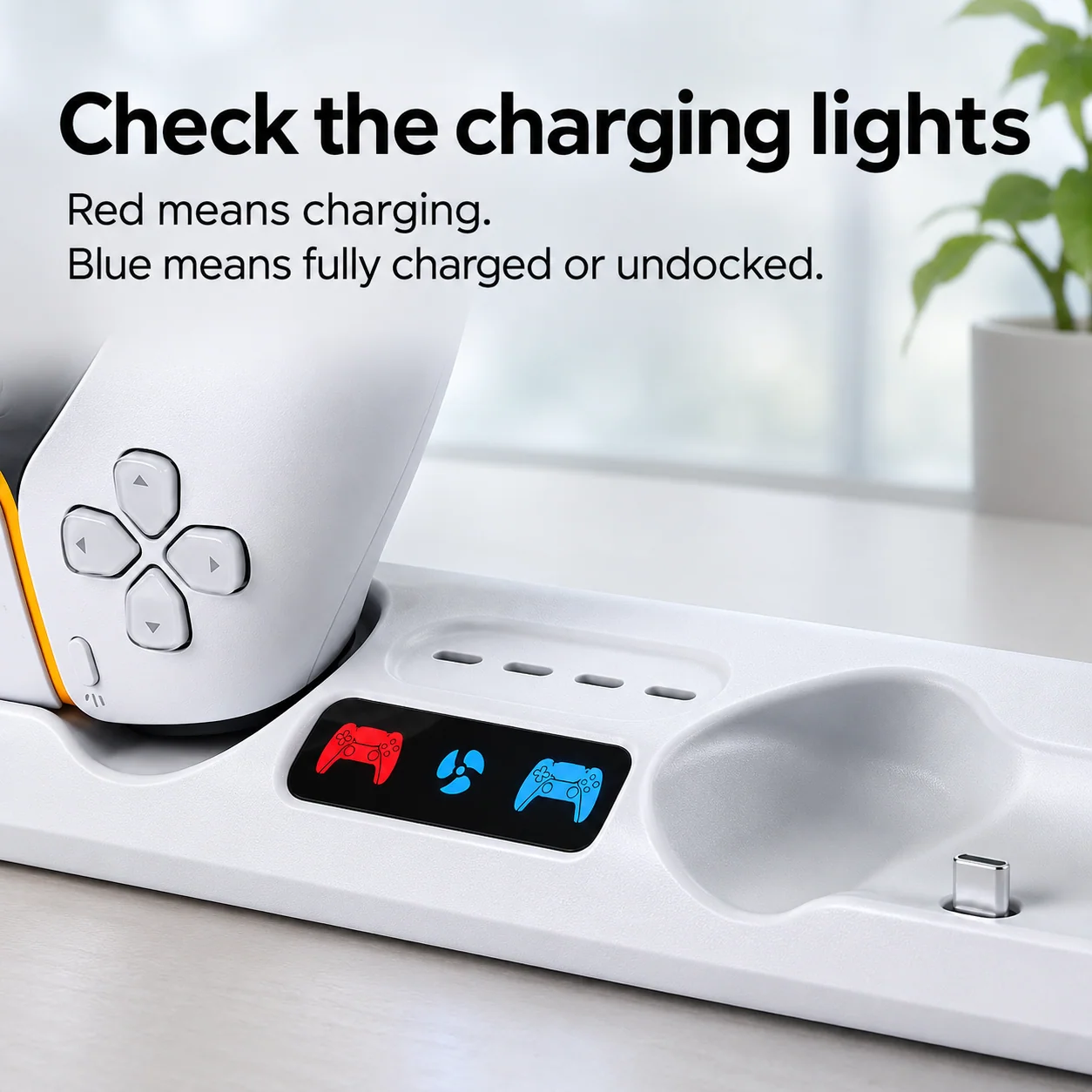
Check Your Controllers at a Glance.
Red and blue controller icons provide a simple visual charging status display.
Charging
Fully Charged or Undocked
Give Your Console Some Breathing Room.
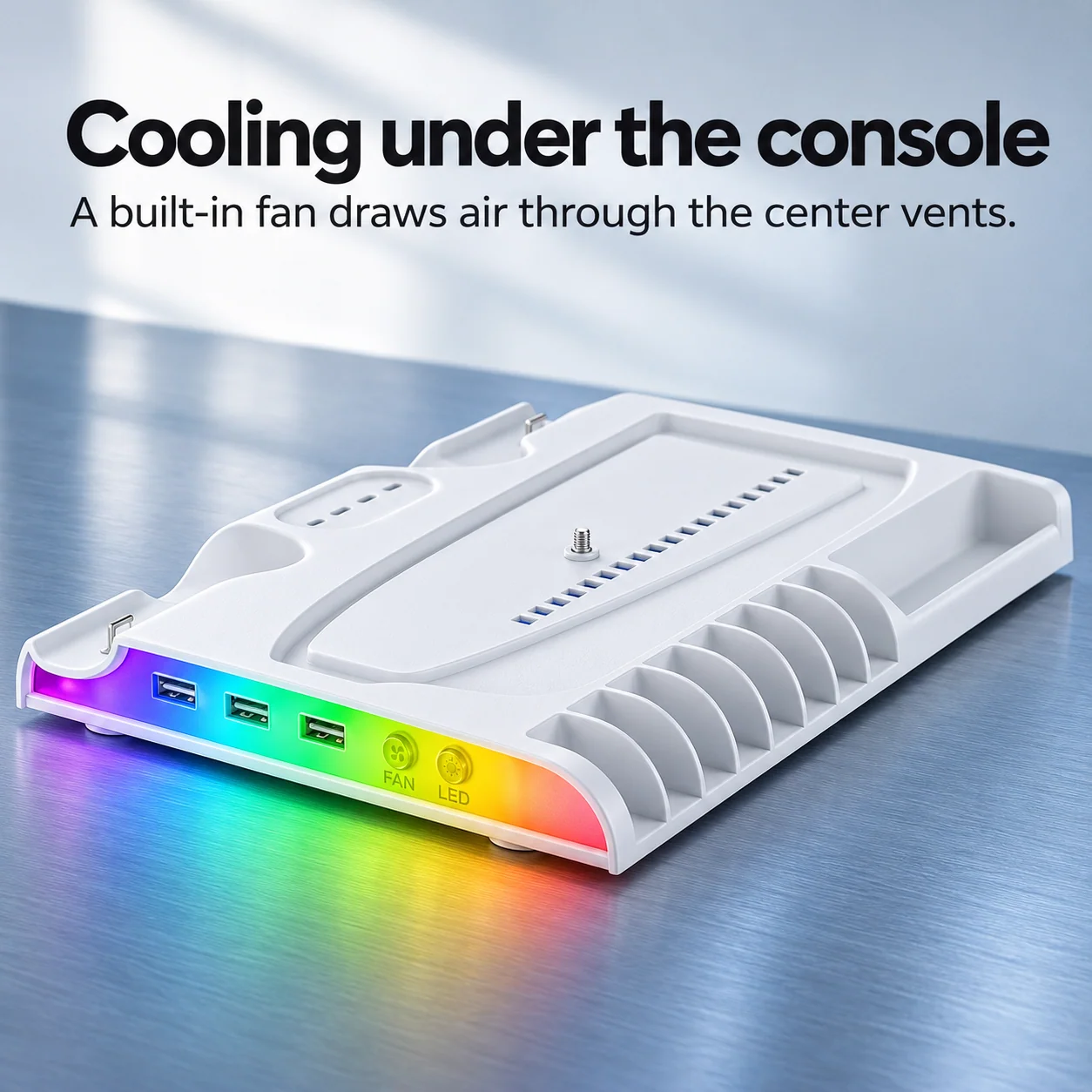
The built-in fan works through the center vents beneath the console, with its own FAN control.
Fan-assisted airflow beneath the console.
Convenient control on the side of the dock.
Eight Games.
One Tidy Row.
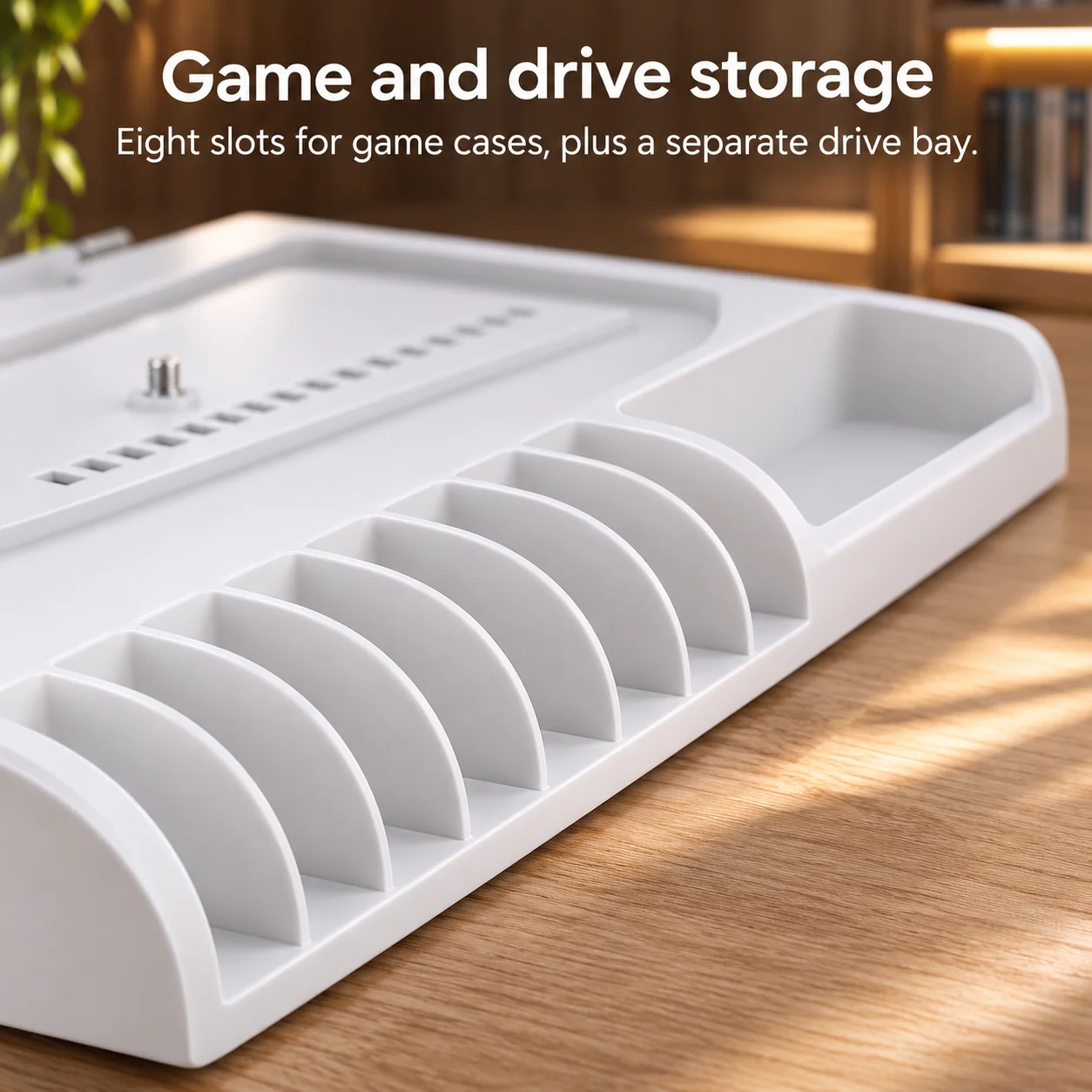
Eight upright case slots help keep your game collection organized and easy to reach.
Store your frequently played game cases.
An additional space for a compatible external drive.
Store More.
Spread Out Less.
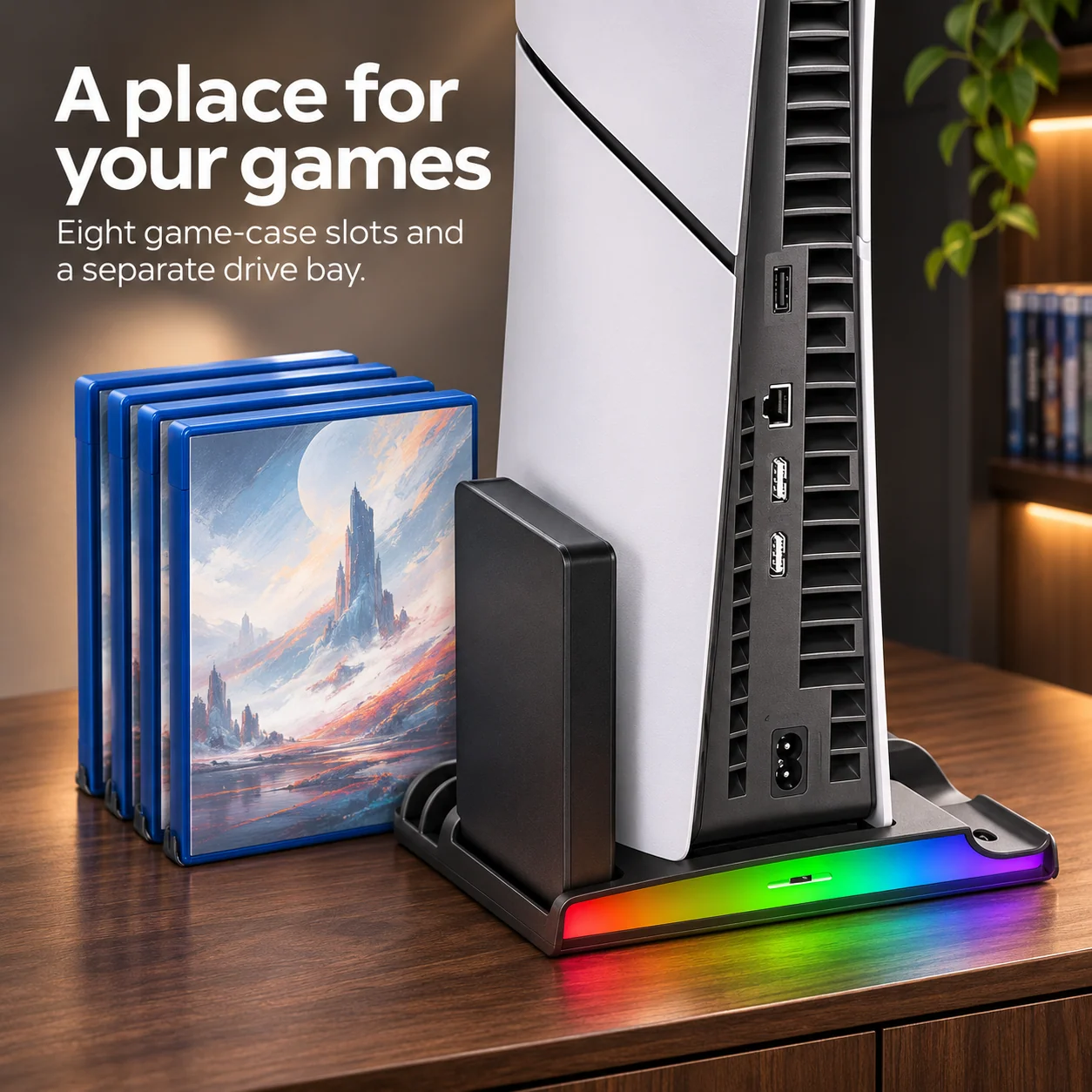
Place your console upright and keep game cases and a compatible external drive beside the stand.
Keep gaming essentials together.
Find your favorite game without searching around.
Match Your Console.
Match Your Space.
Choose white for a bright setup or black for a sleek, darker gaming station.
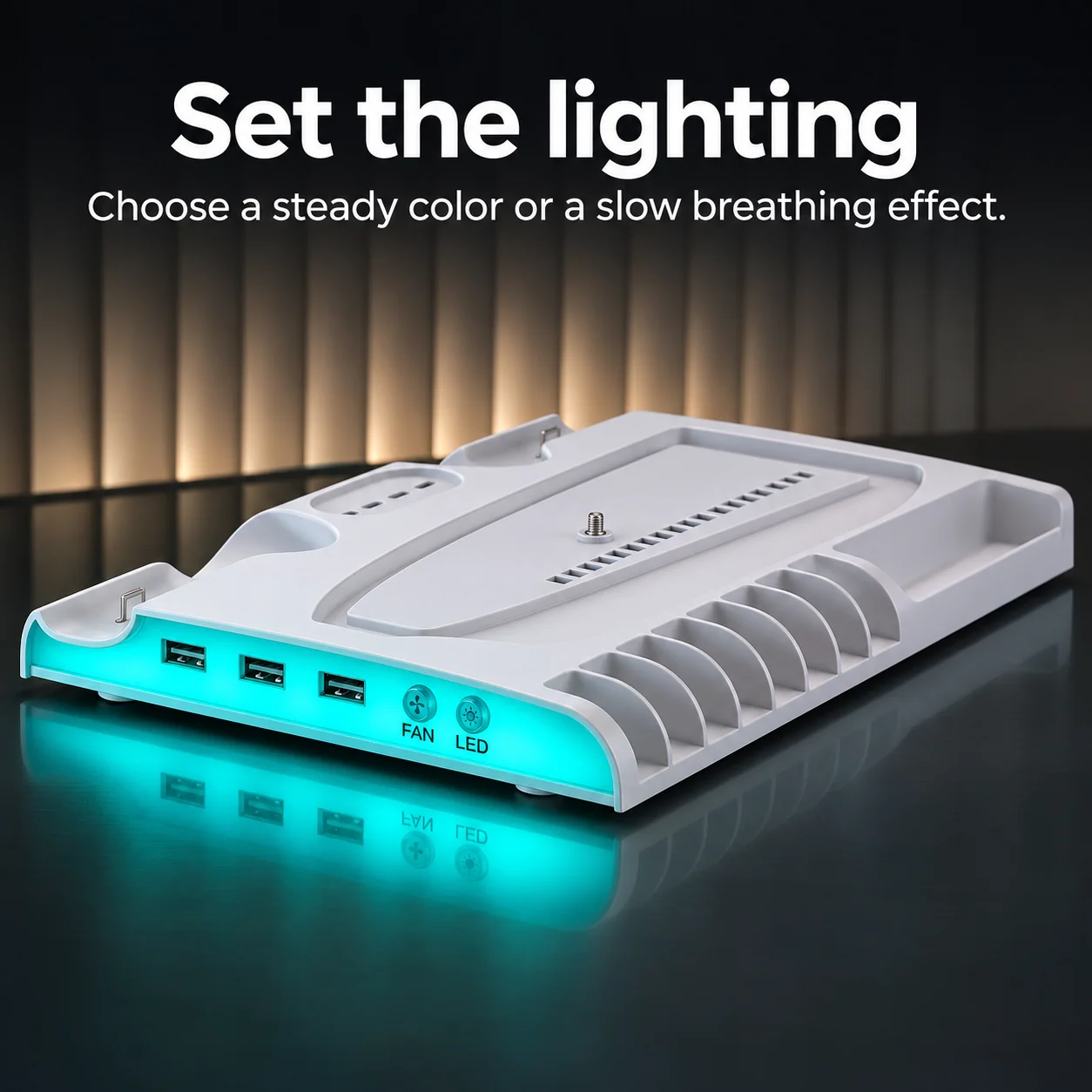
Light Up Your Setup.
Choose steady edge lighting or a gentle breathing effect. Three USB ports sit beside the FAN and LED controls.
Customize the atmosphere around your stand.
Convenient front-side connections for accessories.
Product Specifications.
Set Up.
Dock. Play.
Place it on a stable, well-ventilated surface.
Follow the supplied mounting instructions.
Use the specified power connection for the dock.
Dock controllers and arrange your game cases.
This is a third-party console accessory. Check your exact PS5 Slim model and the product's connection requirements before use. Keep console vents unobstructed, allow sufficient clearance and follow the console manufacturer's ventilation guidance. Console, controllers, game cases and external drive are shown for illustration and are not confirmed as included with the stand.
Good to Know.
Can it charge two controllers at once?
Yes. The stand includes two controller charging cradles.
What do the charging indicator colors mean?
Red indicates charging. Blue indicates fully charged or undocked.
Does it have a cooling fan?
Yes. A built-in fan operates beneath the console through the central ventilation area.
How many game cases can I store?
There are eight upright game case slots, plus a separate drive storage bay.
Are the console and controllers included?
The listing describes the stand accessory. The console, controllers, game cases and external drive shown in photographs are not confirmed as included.
How long does controller charging take?
The exact charging time is not specified in the current product information.
One Stand.
A Cleaner
Gaming Setup.
Give your PS5 Slim setup a dedicated place for charging, ventilation, game storage and colorful ambient lighting.
Back to Top · Choose Your Color ↑